
How to convert a PDF into a presentation with AI
Got a dense PDF to present? Here's how to turn a report, whitepaper, or brief into a clean, on-brand deck in minutes with Skyline.

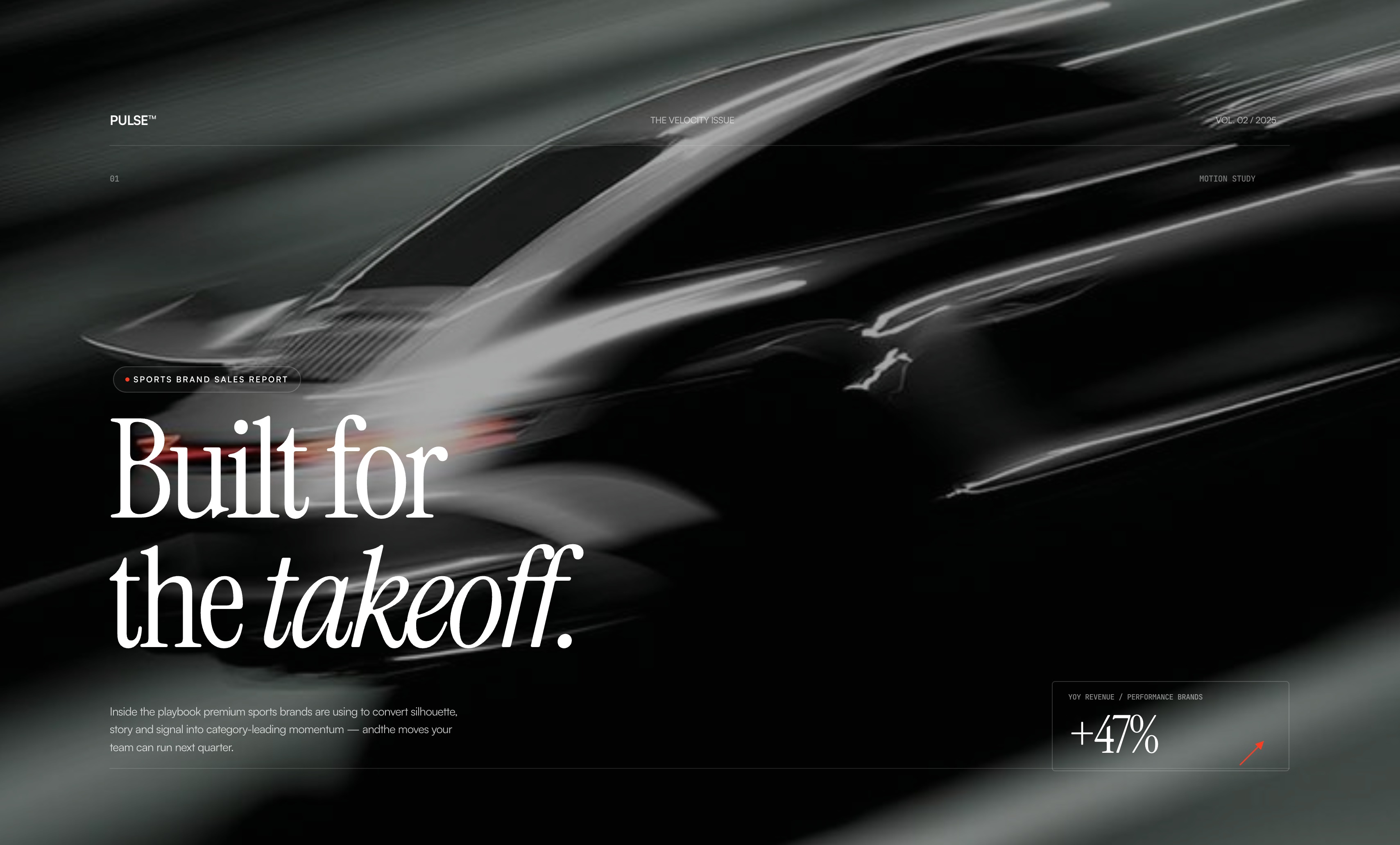
You have a PDF and you need it as a presentation. Maybe it’s a research report, a whitepaper, or a one-pager from a client. The old way is a slow copy-and-paste march. You pull out the key points, drop them onto slides, wrestle with alignment, and hope the result looks intentional. Most of that time goes to reformatting, not thinking.
Skyline cuts it down to a few minutes. You hand it the PDF, it reads the document, pulls out the structure, and builds a designed deck you can refine and present. Below we describe how to do it.
Thanks to Design Focus, you can craft thousands of unique layouts and iterate quickly to create a perfect deck.
Why convert a PDF into a deck?
A PDF is built to be read. A presentation is built to be delivered: one idea at a time, with a visual hierarchy that guides attention. Converting one into the other isn’t just a format change. It turns dense prose into a narrative your audience can actually follow live.
Convert a PDF to a presentation in Skyline
- Open Generate screen and add your PDF. From your workspace, create a document and upload the PDF as your source. Drop in several files at once if the content is spread across them.
- Let Skyline read and structure it. Skyline parses the document, finds the sections, key points, and data, and proposes a slide-by-slide outline. The narrative is there before you style a single slide.
- Choose a design direction. Describe the look you want, or point Skyline at a brand or a reference image. You can also choose a Design Inspiration from our library. The agent applies one coherent system of type, color, and layout across every slide.
- Refine on the canvas. Every slide is real and editable. Reshape a layout, tighten the copy, swap an image, or ask Skyline to rework a whole section until it lands.
- Present, share, or export.Present full-screen, send your team a link, or export to PowerPoint and PDF. It’s ready wherever you already work.
The goal isn’t to paste a PDF onto slides. It’s to turn a document into a story that’s built to be presented.
Tips for a better result
- Lead with the outcome.Tell Skyline what the deck is for, whether that’s a pitch, an internal update, or a client readout, so it emphasizes the right points.
- Bring your brand in early. Add a reference or brand up front and the whole deck comes out on-brand, instead of needing a restyle later.
- Trim the source.If the PDF has appendices or legal boilerplate you don’t need on stage, say so. A focused source makes a sharper deck.
From static to persuasive
A PDF holds your thinking. A good presentation delivers it. With Skyline the trip between the two takes minutes, and the result looks like a studio made it, not a converter.