
Preview
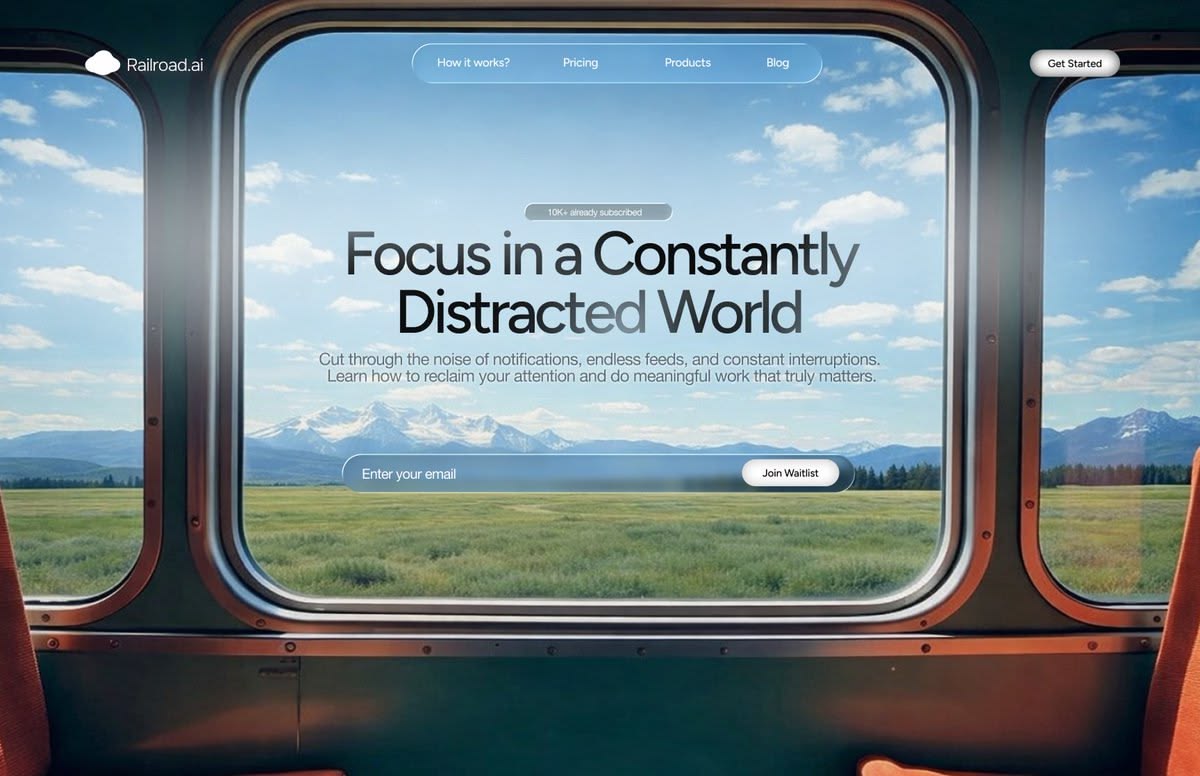
Window Vista
A real window as the viewport onto sweeping landscapes.
CinematicLandscapeGlassmorphism
Pick a design direction, describe your content, and Skyline designs every slide in the chosen visual style. Export to PowerPoint or Google Slides.
A real window as the viewport onto sweeping landscapes.
 2 views
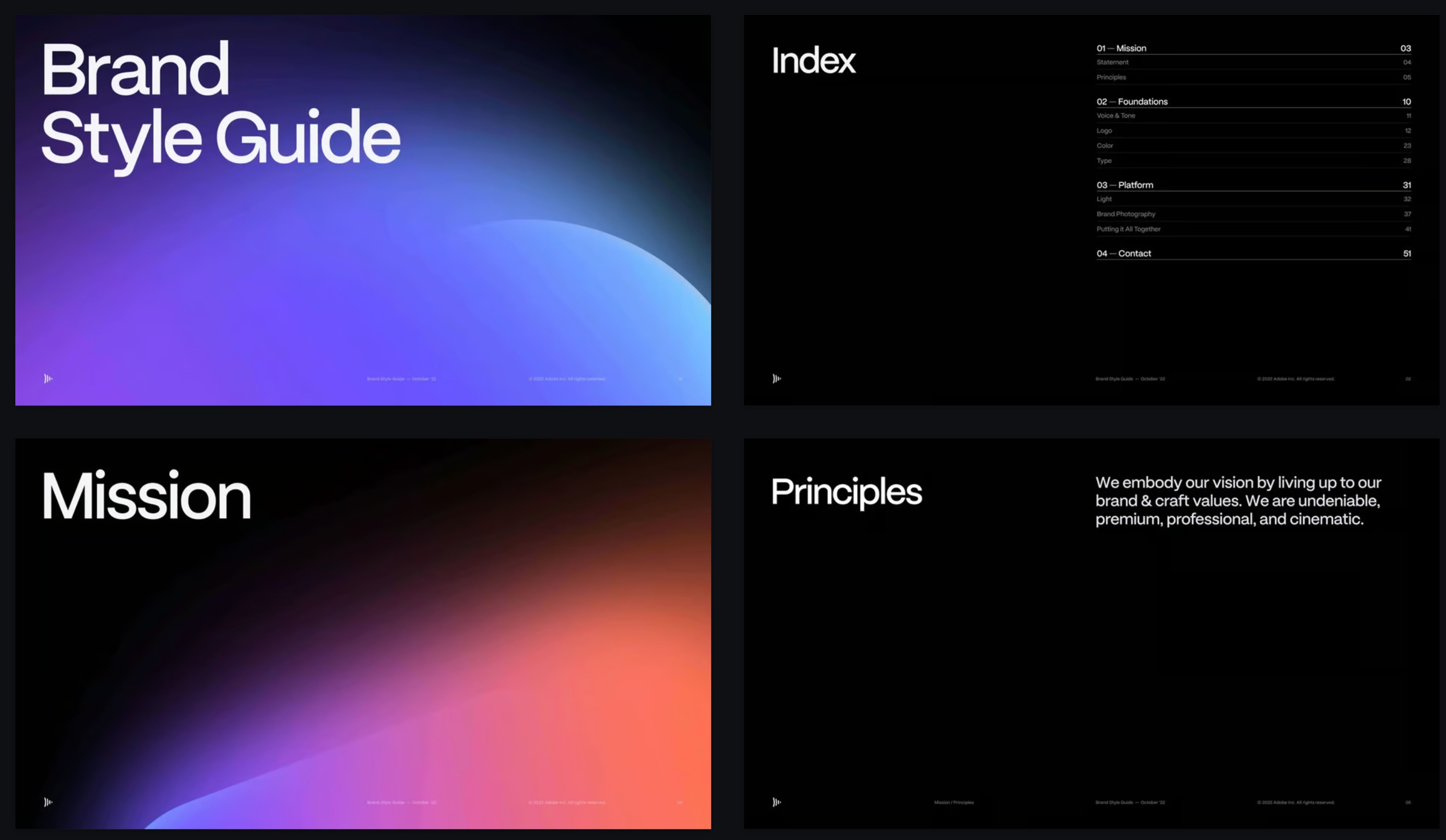
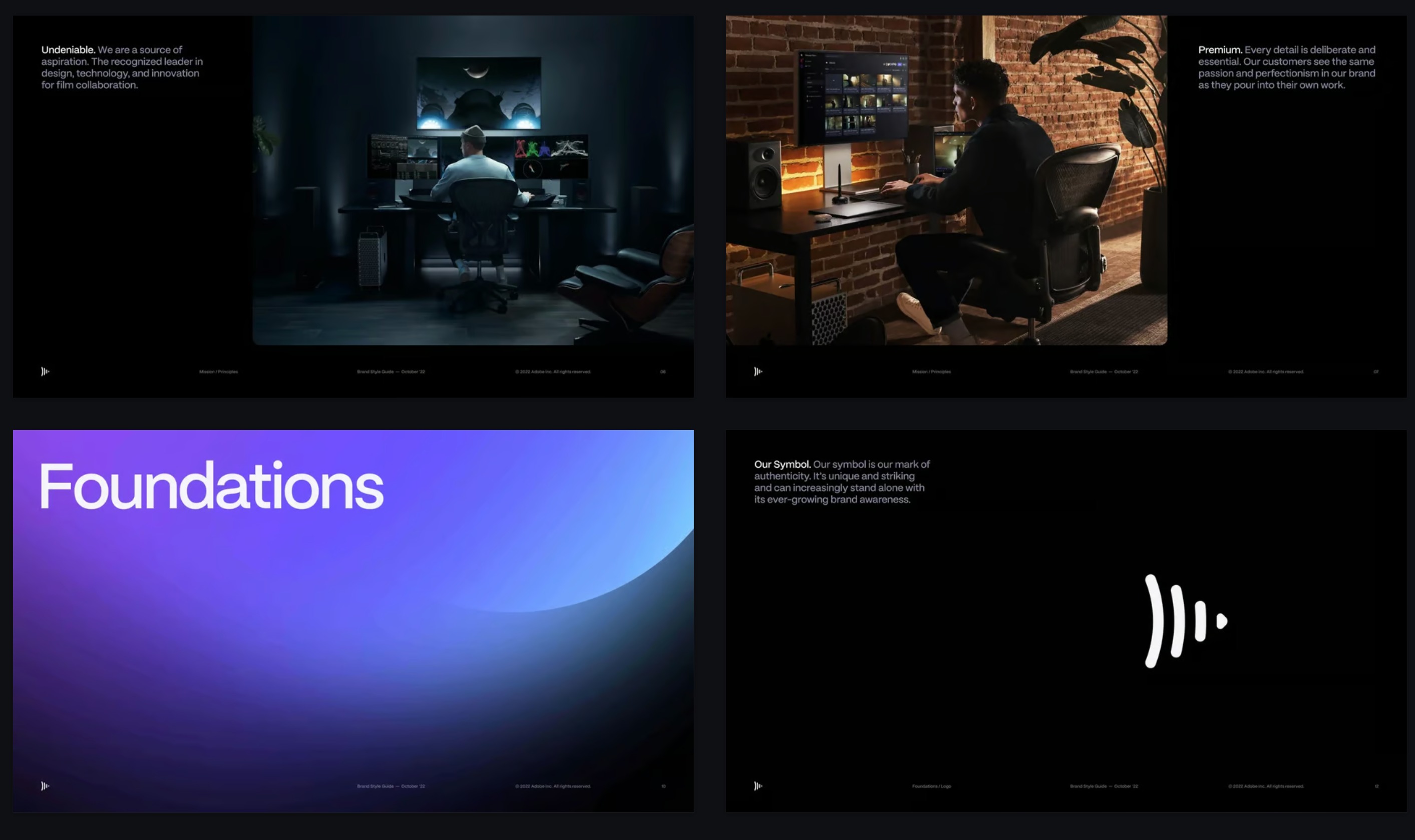
Deep black canvases, luminous gradient orbs, cinematic type.
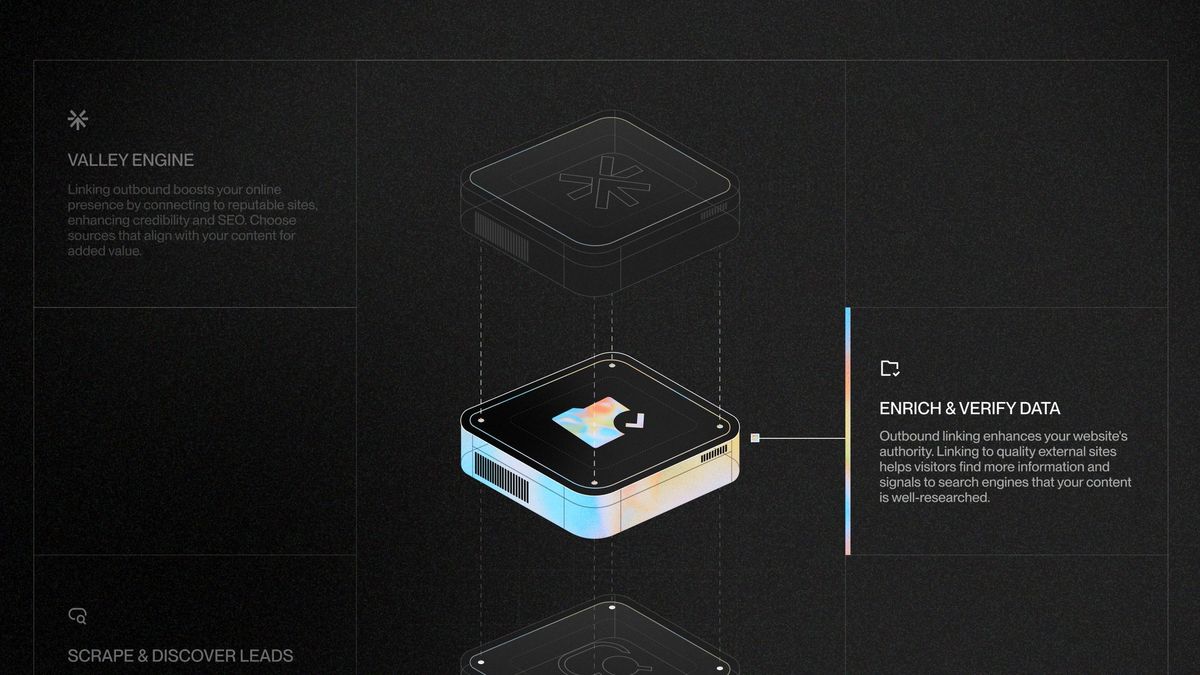
Exploded isometric renders with iridescent chrome.
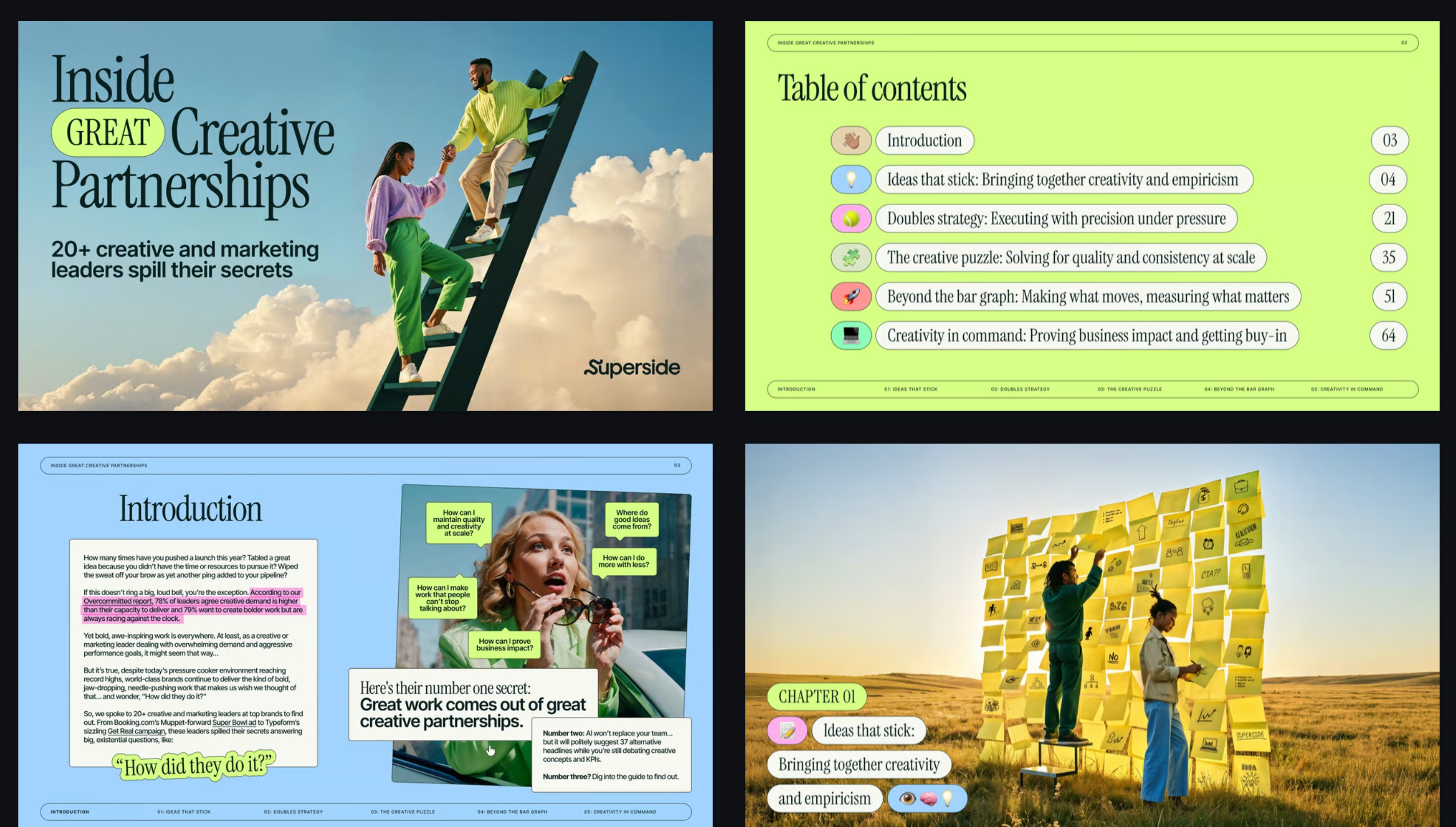
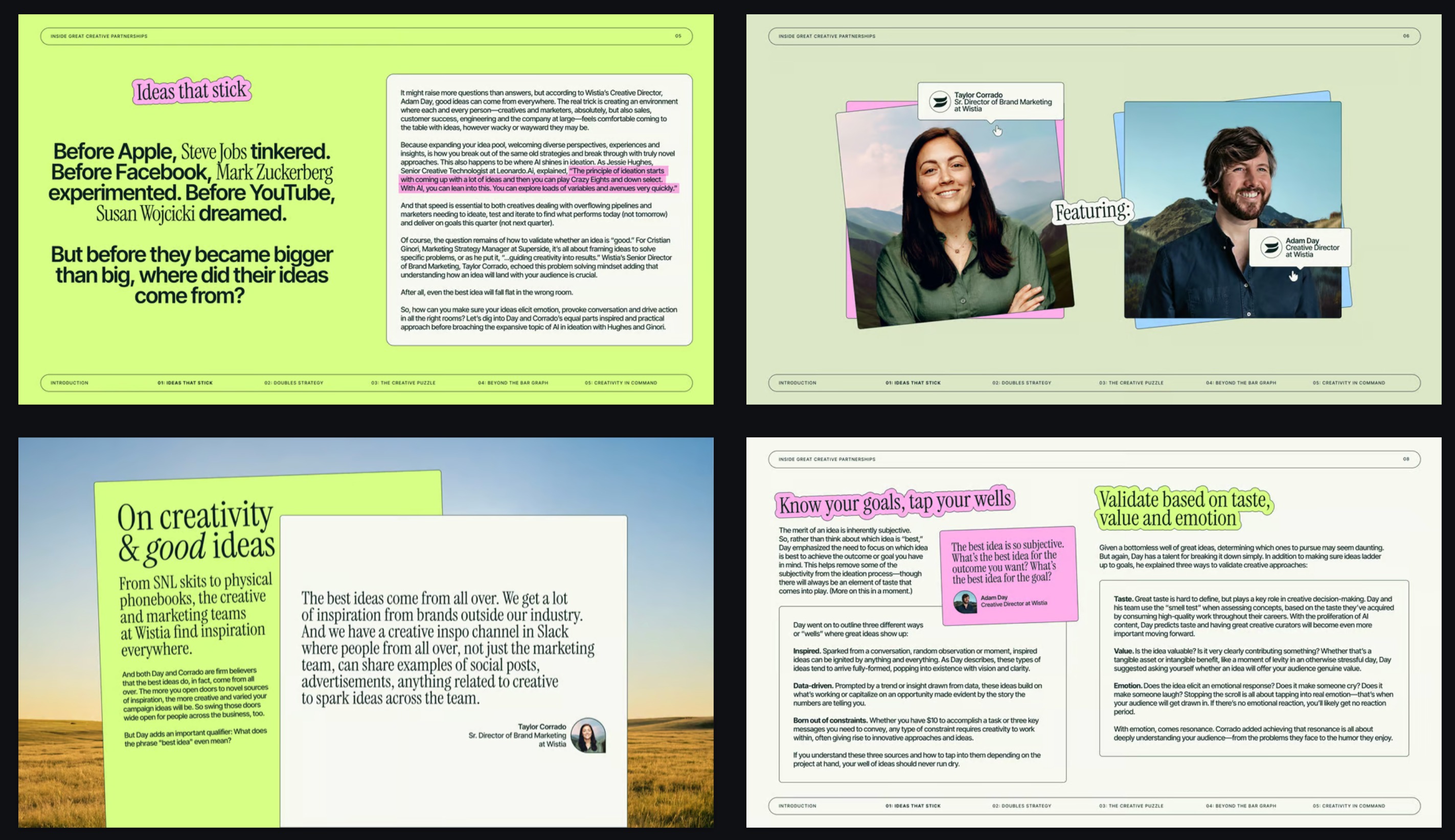 3 views
Magazine layouts, surreal photography and highlighter accents.
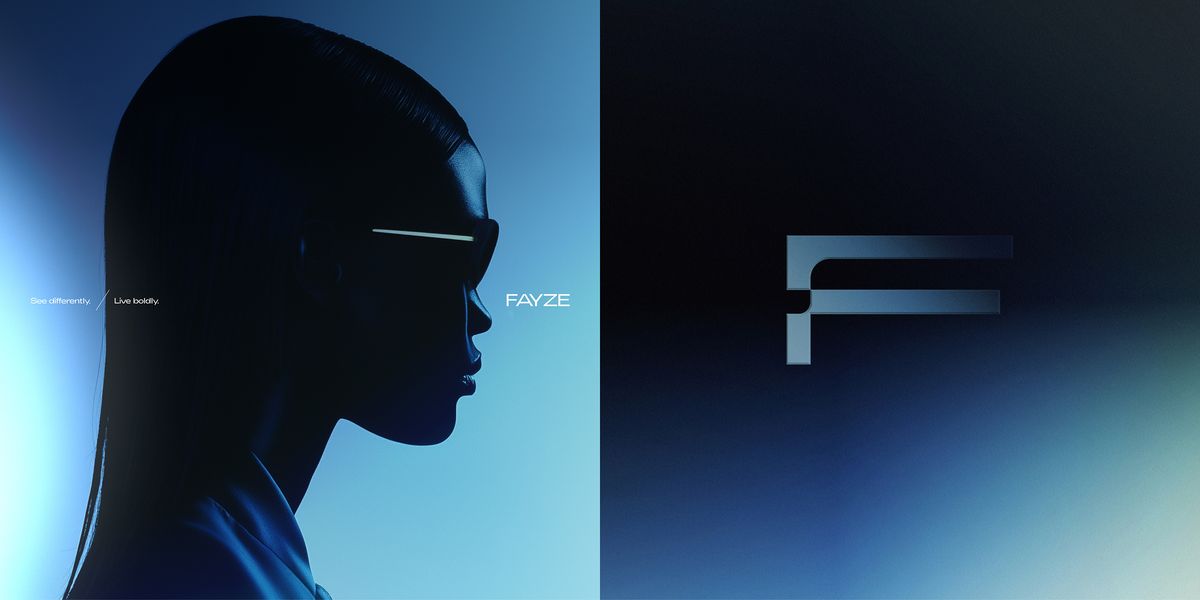
Duotone blue gradients, chrome monogram, fashion-campaign light.
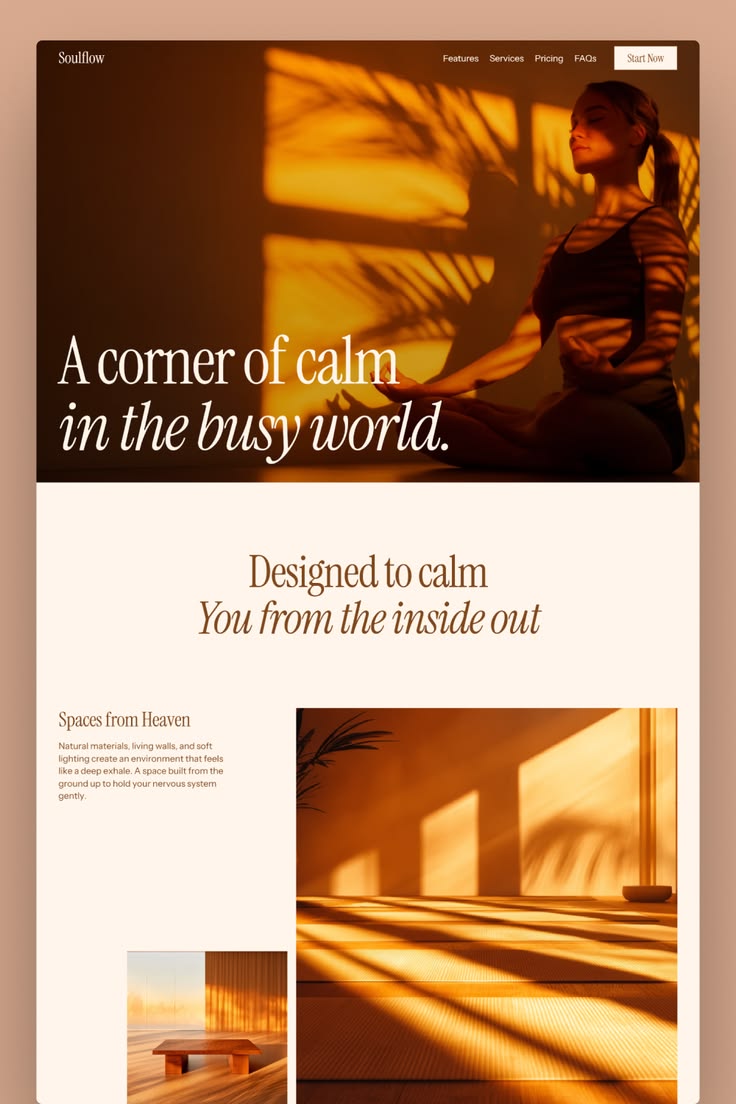
Warm amber light and italic serifs on soft cream.
 3 views
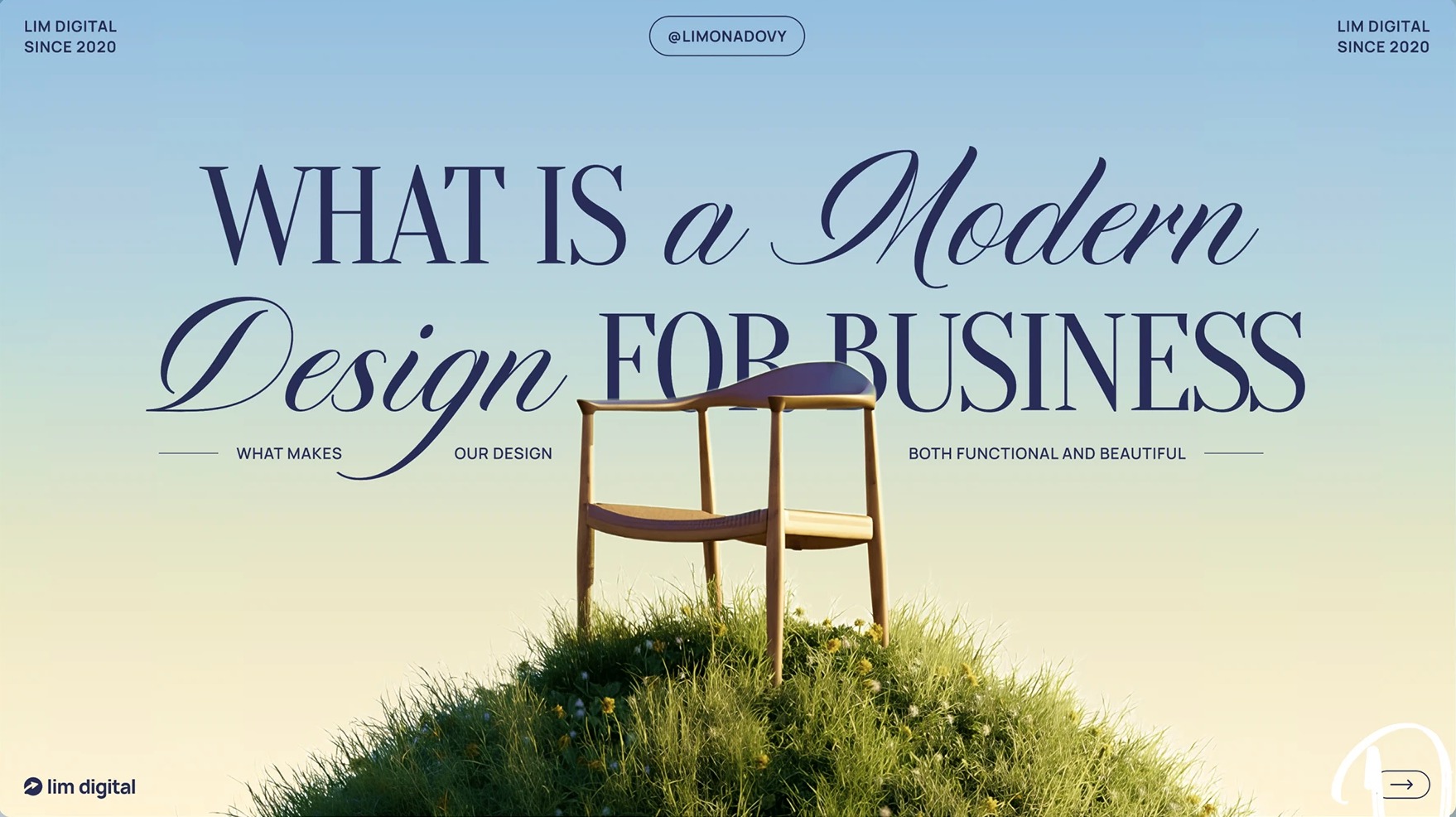
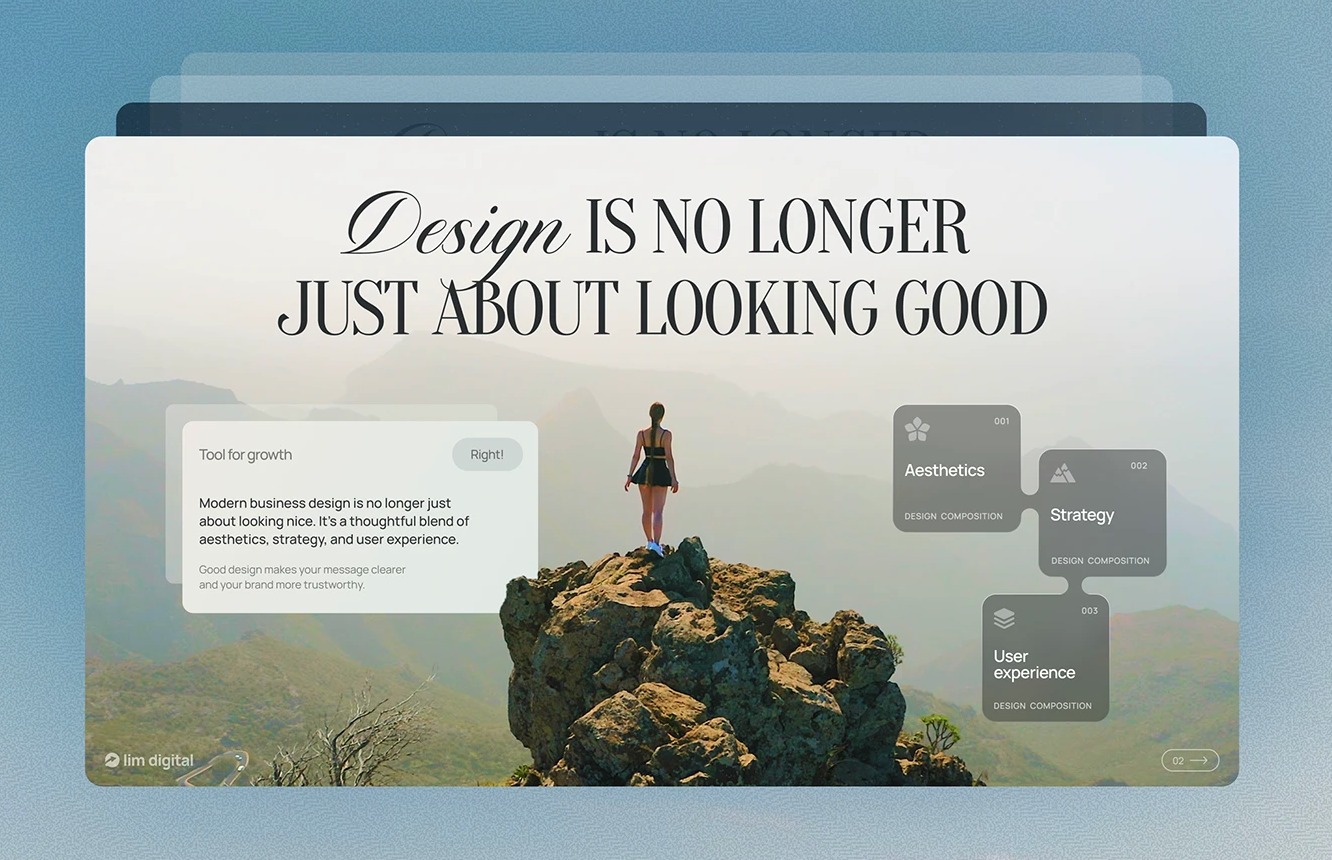
High-contrast serifs and italic script over lush landscapes.
 2 views
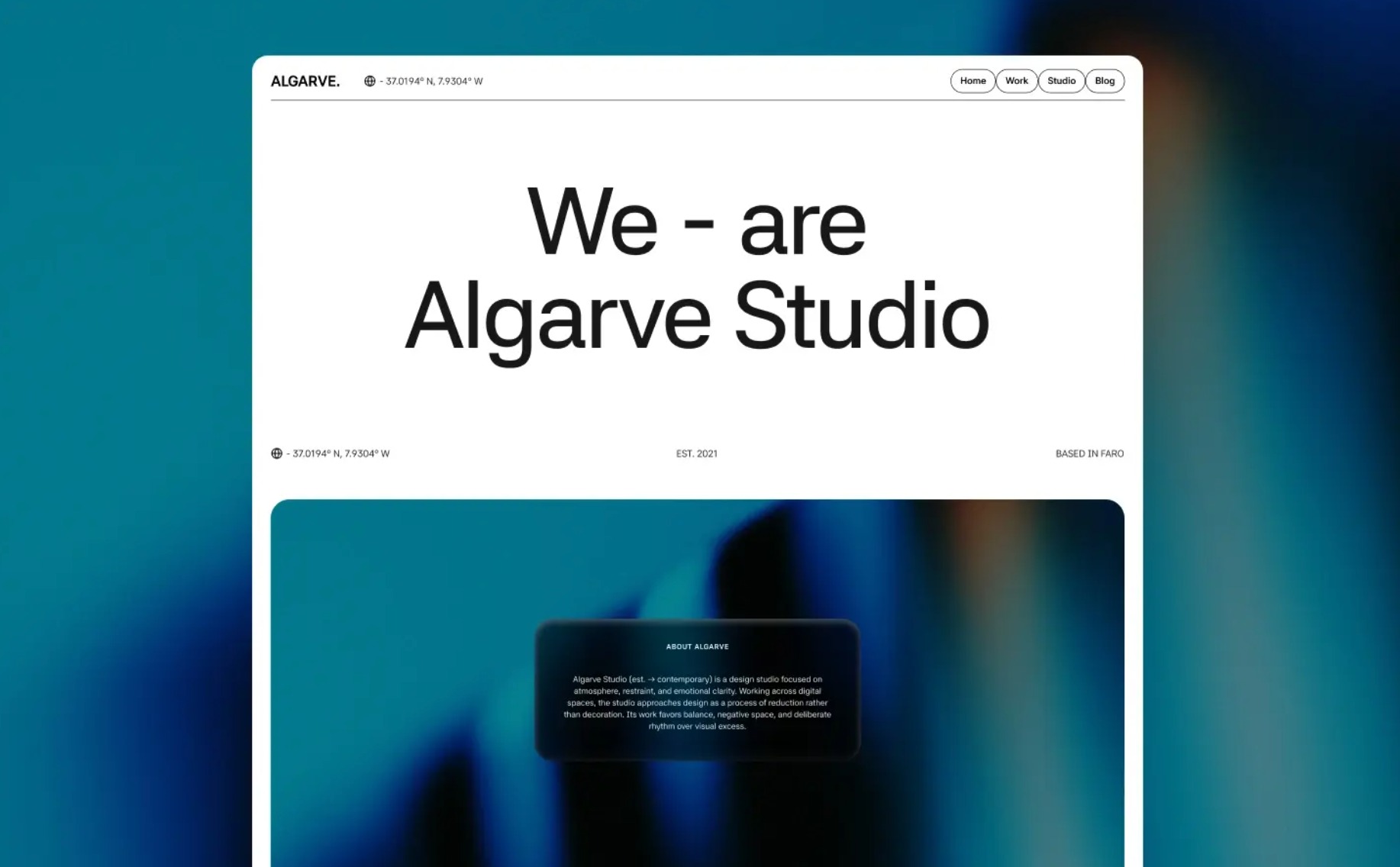
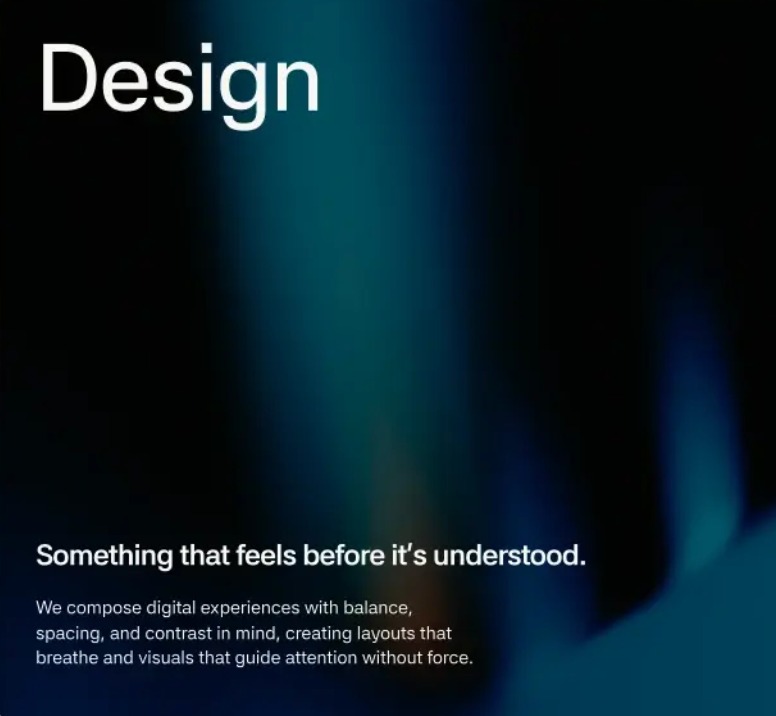
Crisp white panels dissolving into teal-to-black atmosphere.
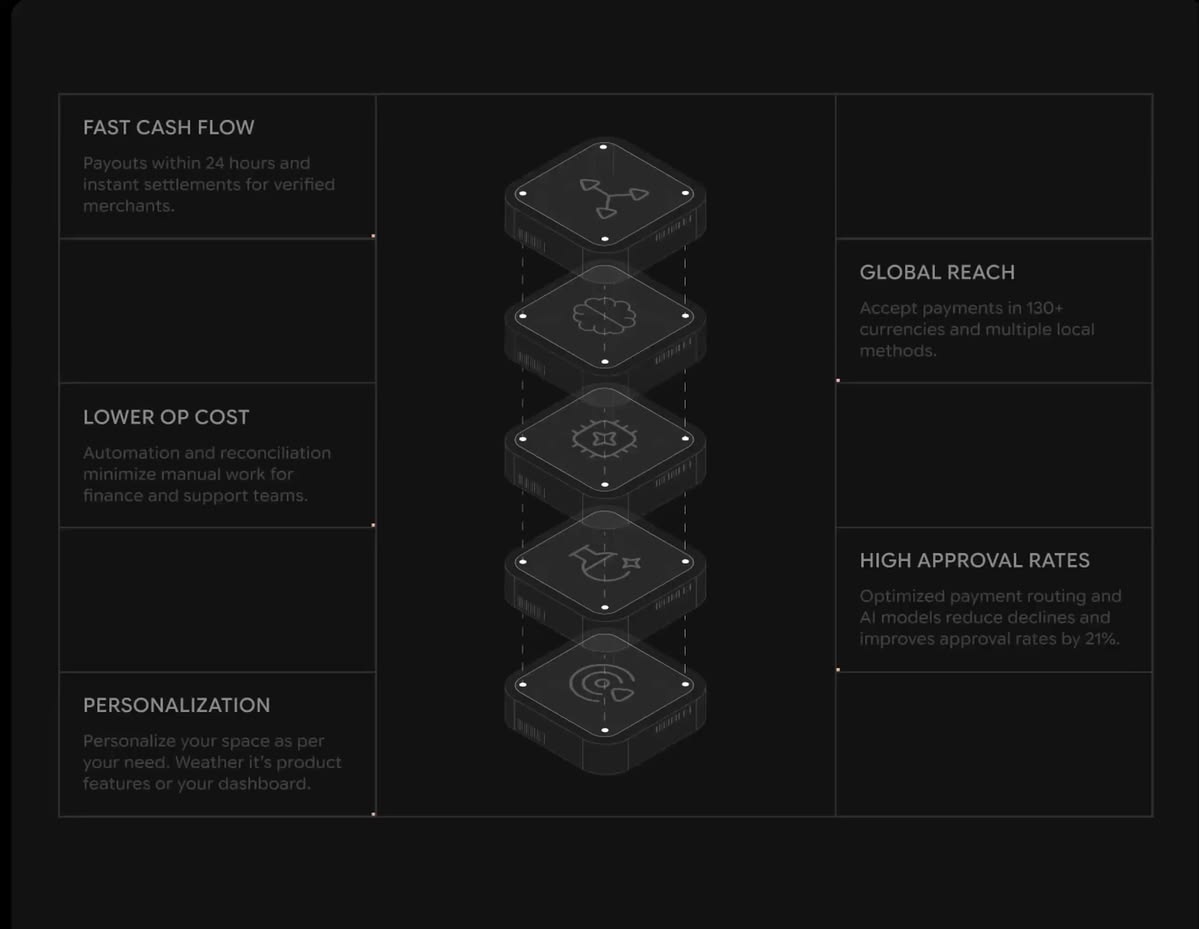
Hairline grids and isometric modules on a dark canvas.
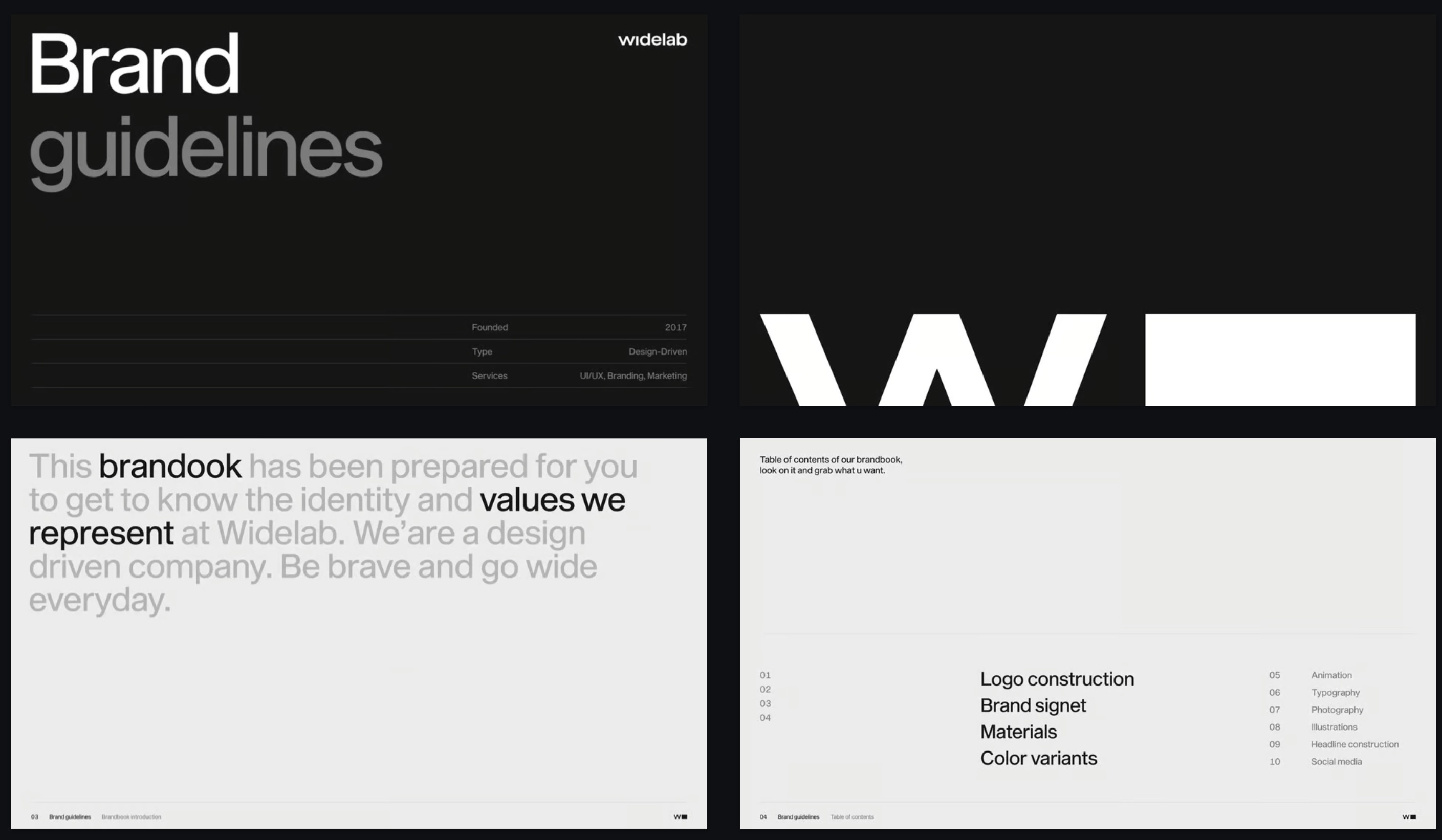
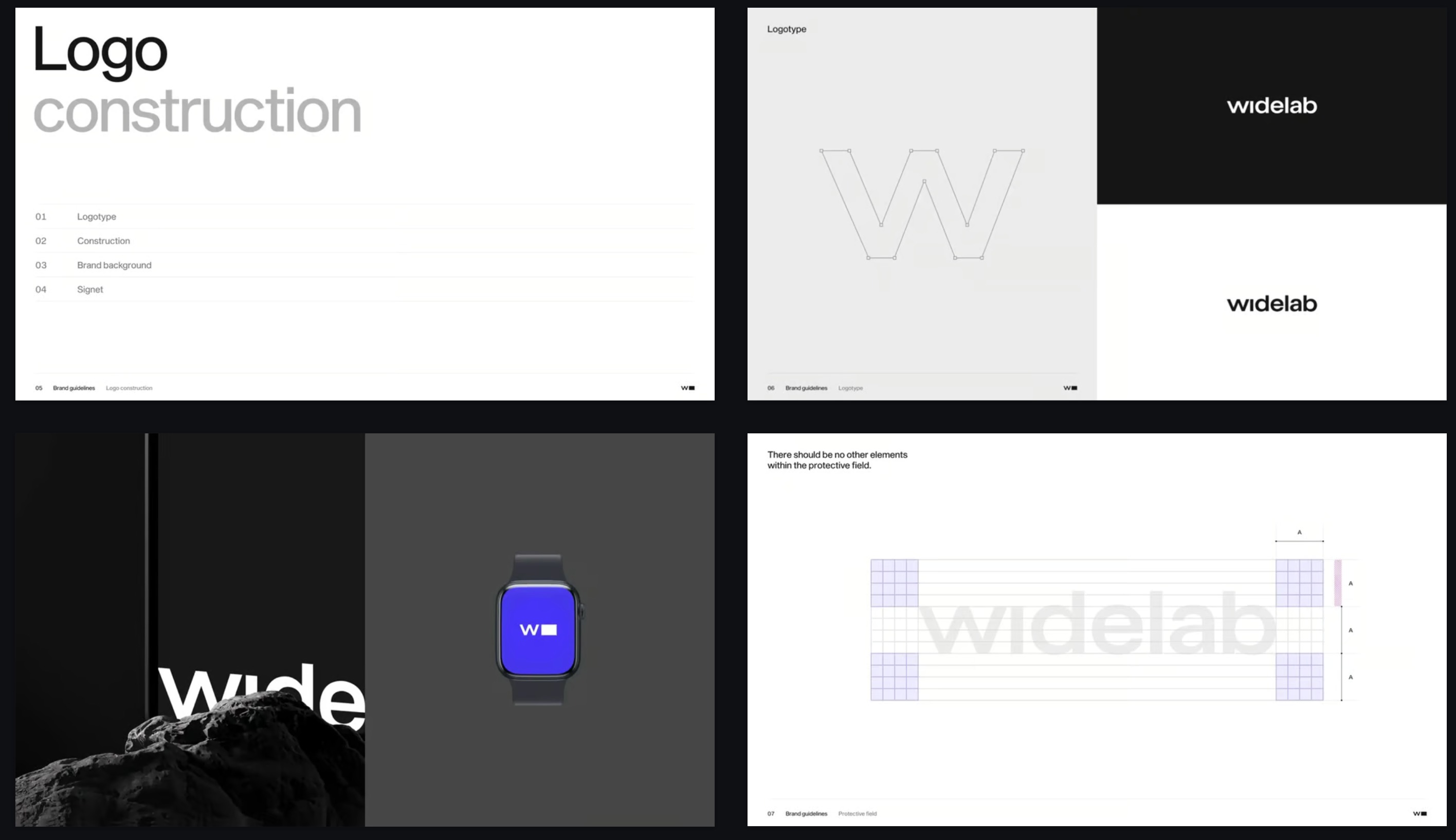 3 views
Swiss grid, oversized grotesque, disciplined black and white.
Each template is a complete design direction: typography, color, layout and imagery. Choose one for your pitch deck, sales deck or brand story, or start with our marketing presentation template, and Skyline builds the full presentation in that style. When you're done, download it as a PPTX file for PowerPoint or open it in Google Slides.
Yes. Every deck you create from a template can be exported as a PPTX file and opened in PowerPoint, with the text still editable.
Yes. Export your deck as PPTX and import it into Google Slides, or use the Skyline add-on to build slides right inside Google Slides.
A normal template gives you empty layouts to fill in. Here you pick a design direction and describe your topic, and Skyline writes the content and designs every slide in that style, so each slide fits what it has to say.
For investor and sales decks, start with the Sales or Tech & SaaS styles. For brand stories, lifestyle and hospitality, try Editorial or Cinematic & Luxury. Enterprise styles suit board updates and internal reports.
You can start for free and create your first decks from any template. Paid plans add more AI credits and advanced features.