
미리보기
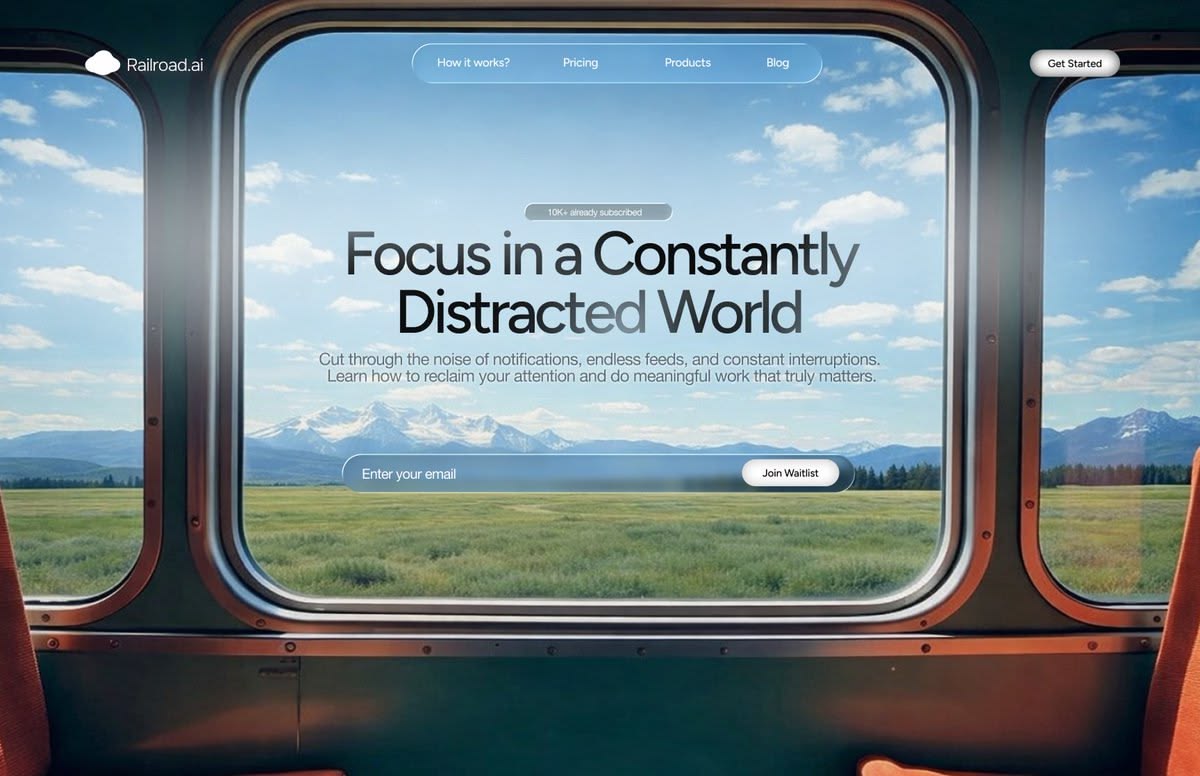
Window Vista
A real window as the viewport onto sweeping landscapes.
CinematicLandscapeGlassmorphism
디자인 방향을 고르고 내용을 설명하면 Skyline이 선택한 비주얼 스타일로 모든 슬라이드를 디자인합니다. PowerPoint나 Google Slides로 내보낼 수 있습니다.
A real window as the viewport onto sweeping landscapes.
 조회수 2
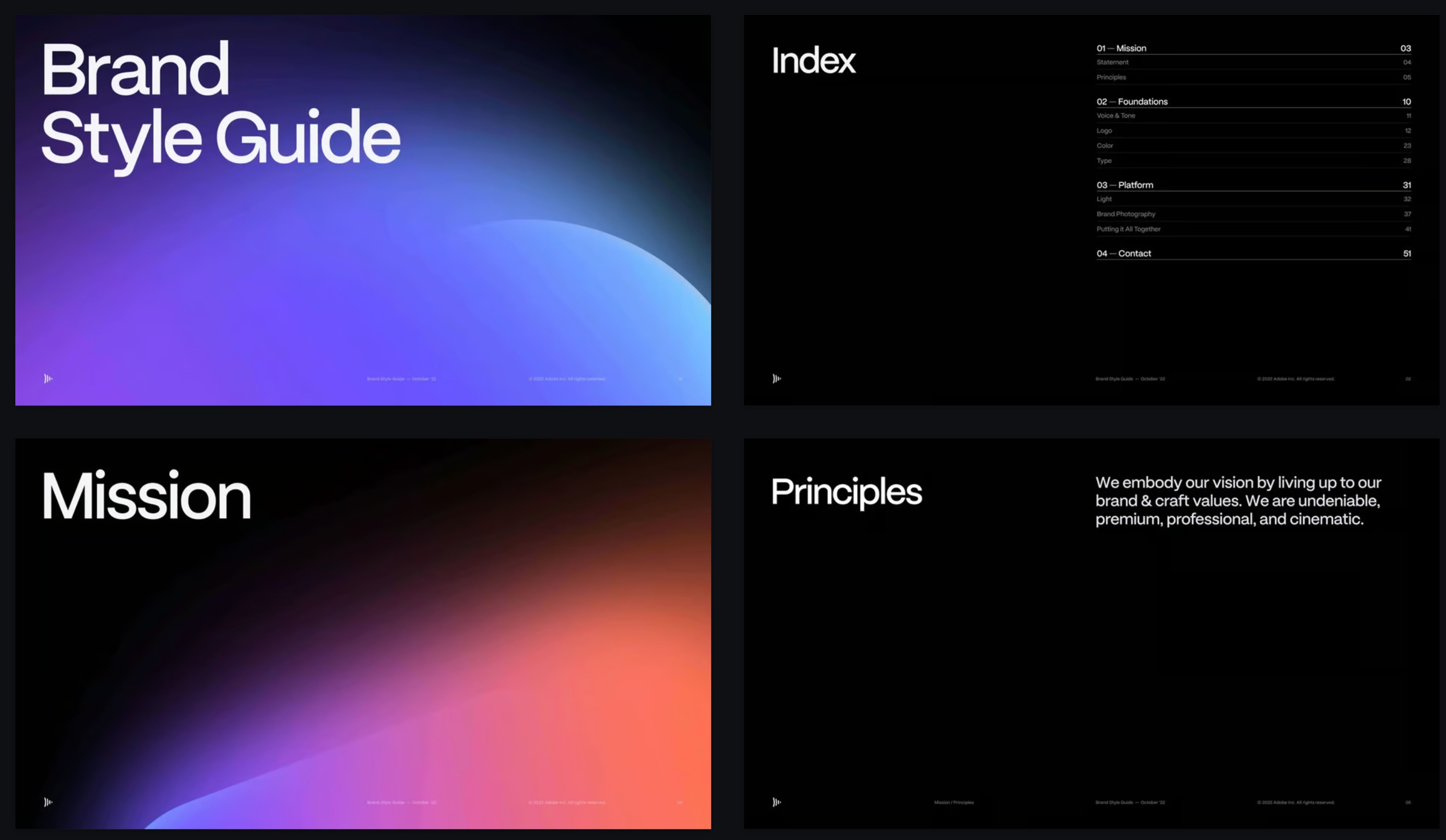
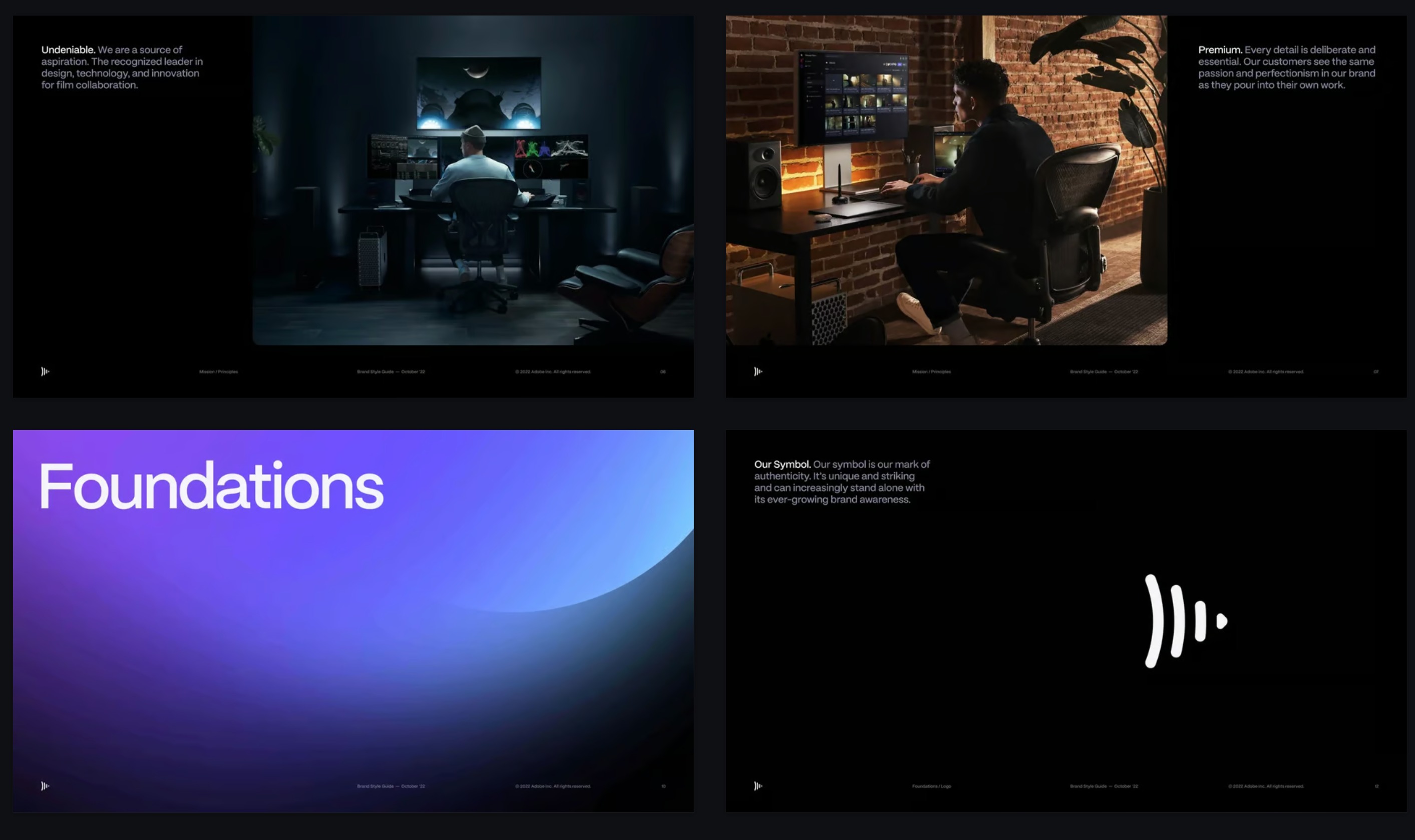
조회수 2Deep black canvases, luminous gradient orbs, cinematic type.
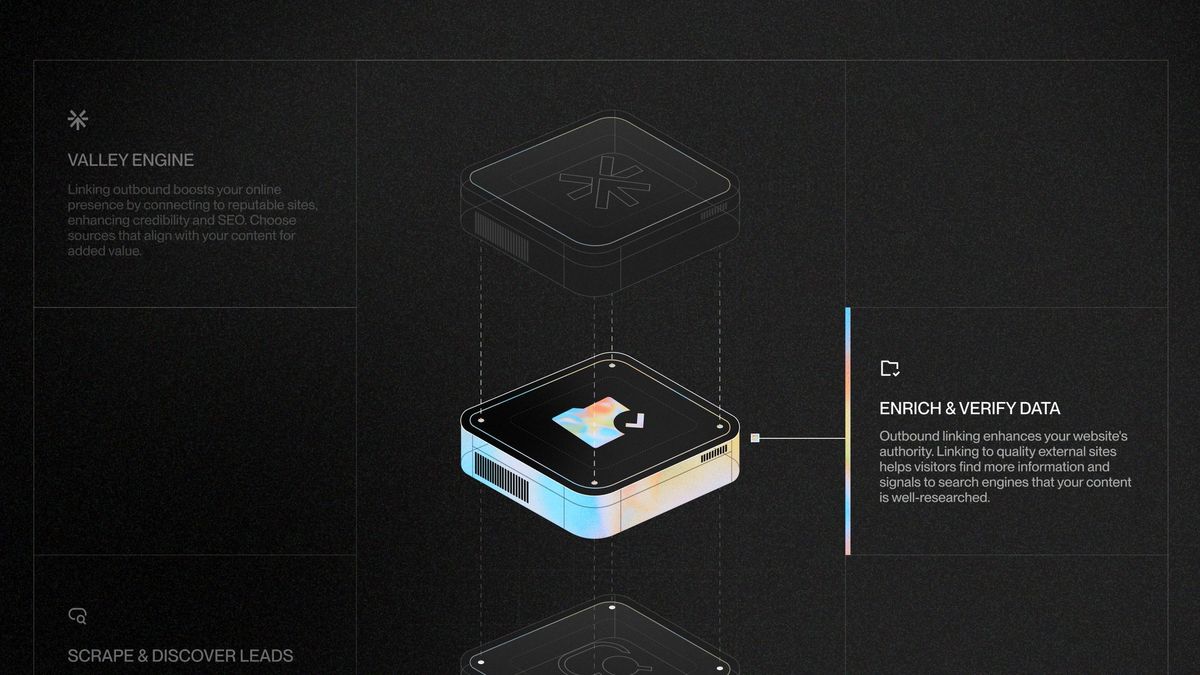
Exploded isometric renders with iridescent chrome.
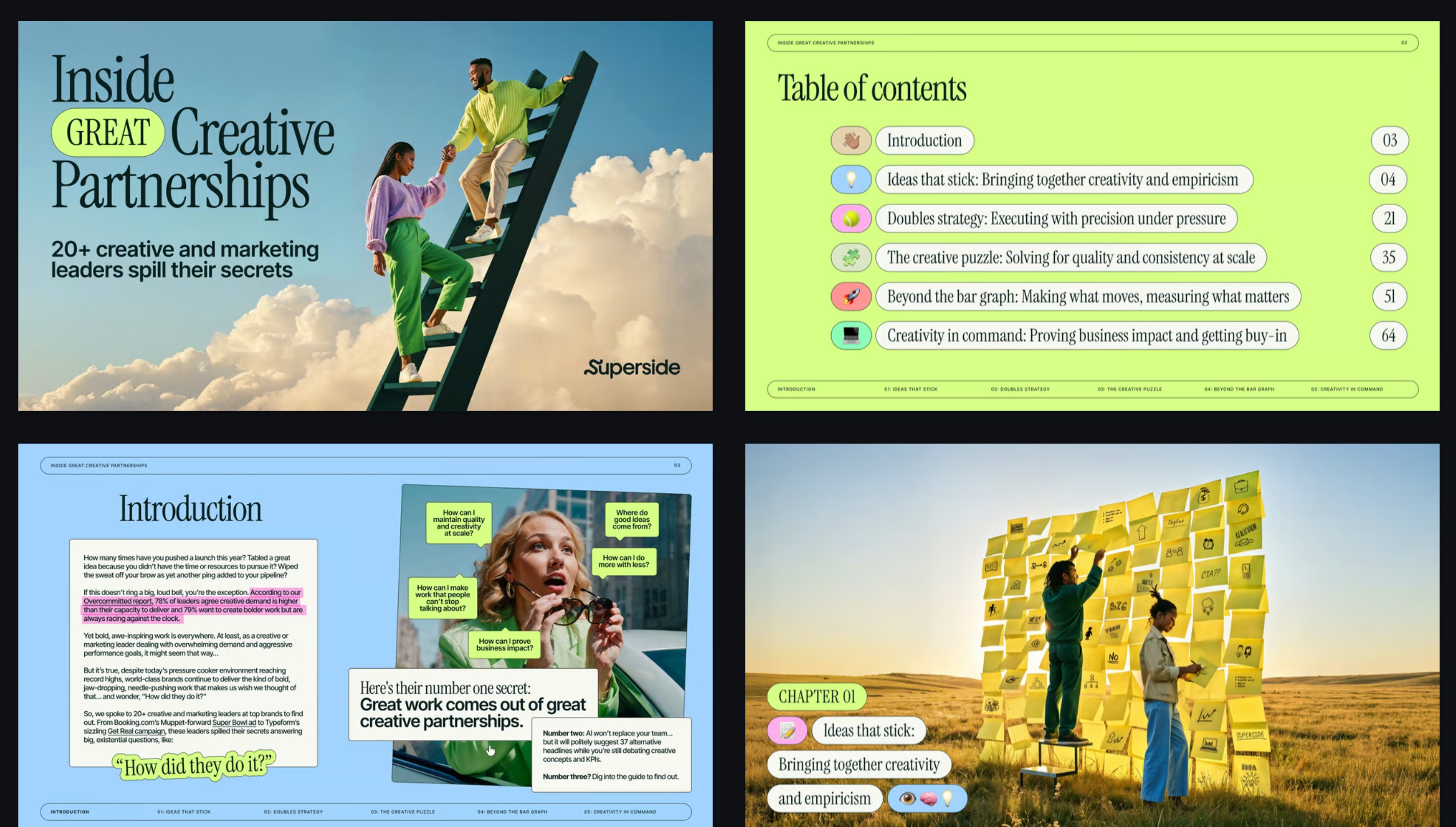
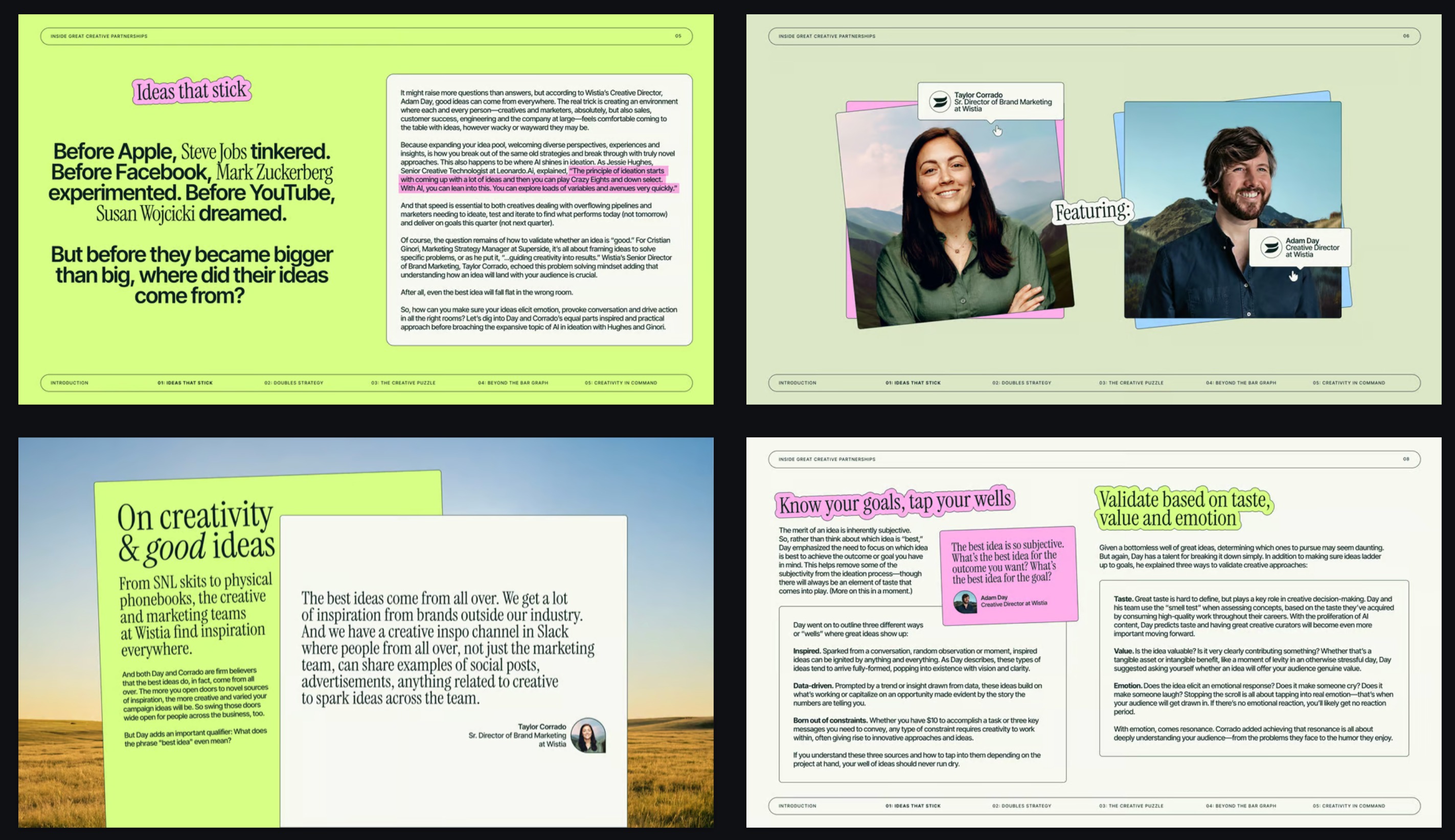 조회수 3
조회수 3Magazine layouts, surreal photography and highlighter accents.
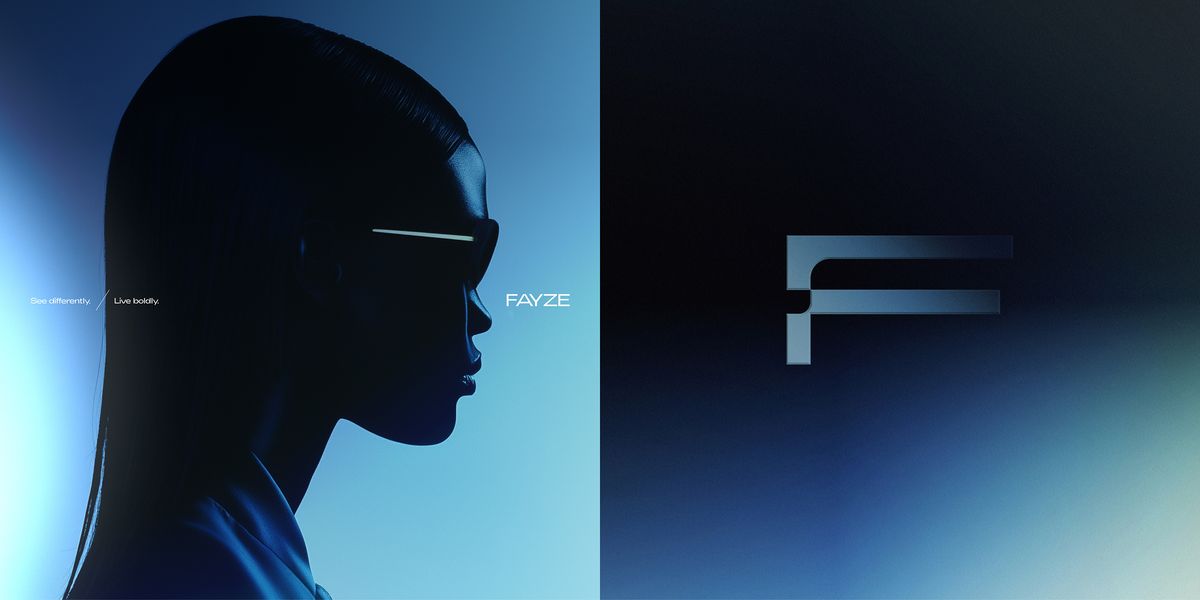
Duotone blue gradients, chrome monogram, fashion-campaign light.
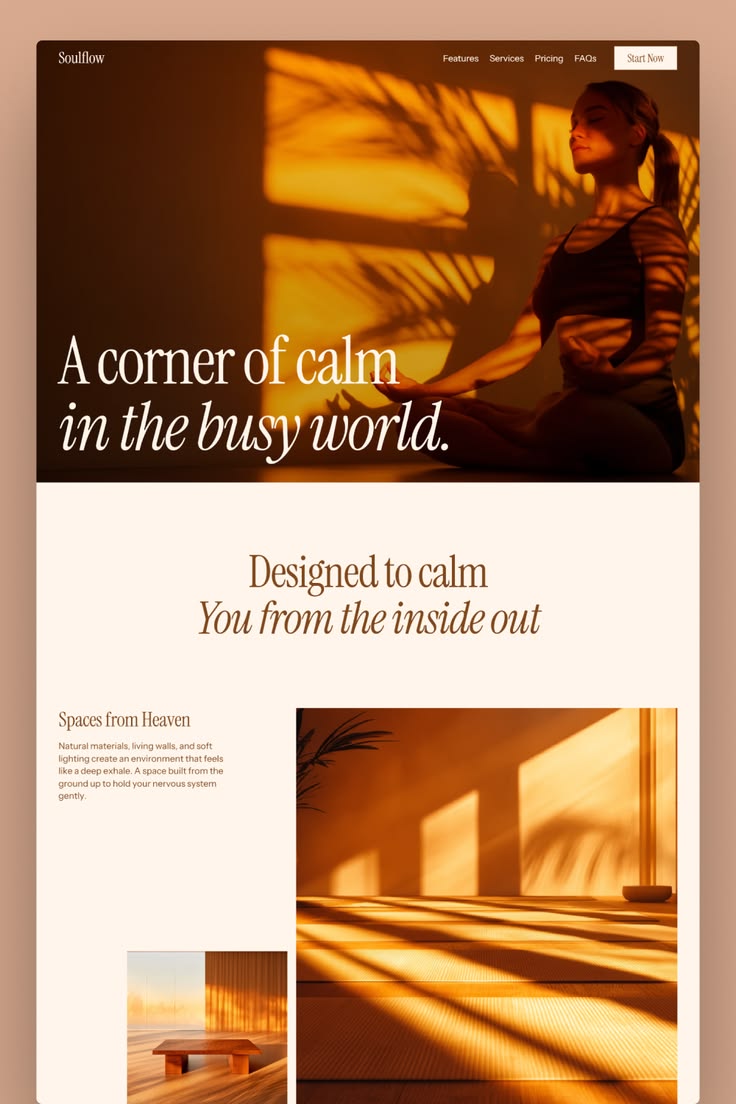
Warm amber light and italic serifs on soft cream.
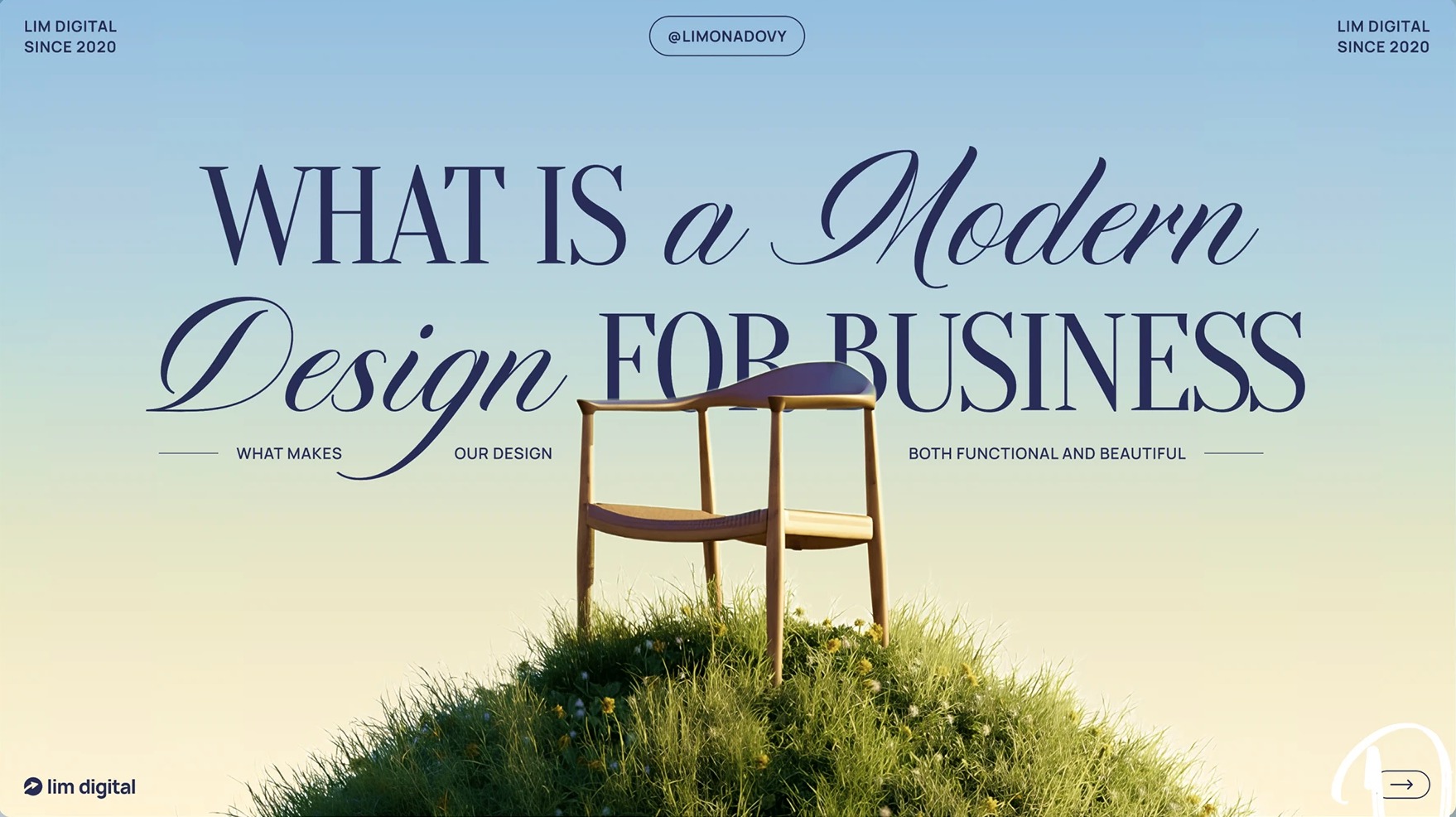
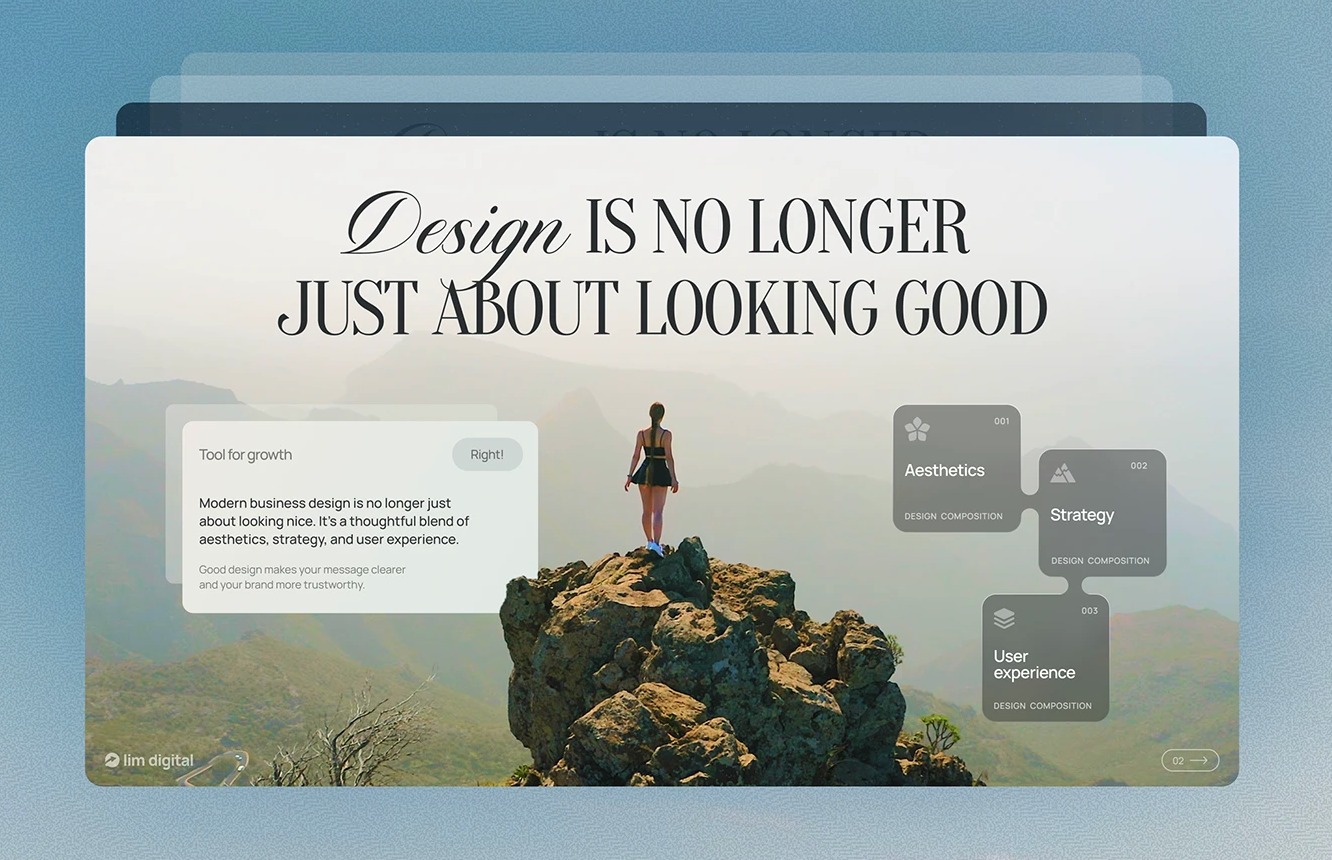 조회수 3
조회수 3High-contrast serifs and italic script over lush landscapes.
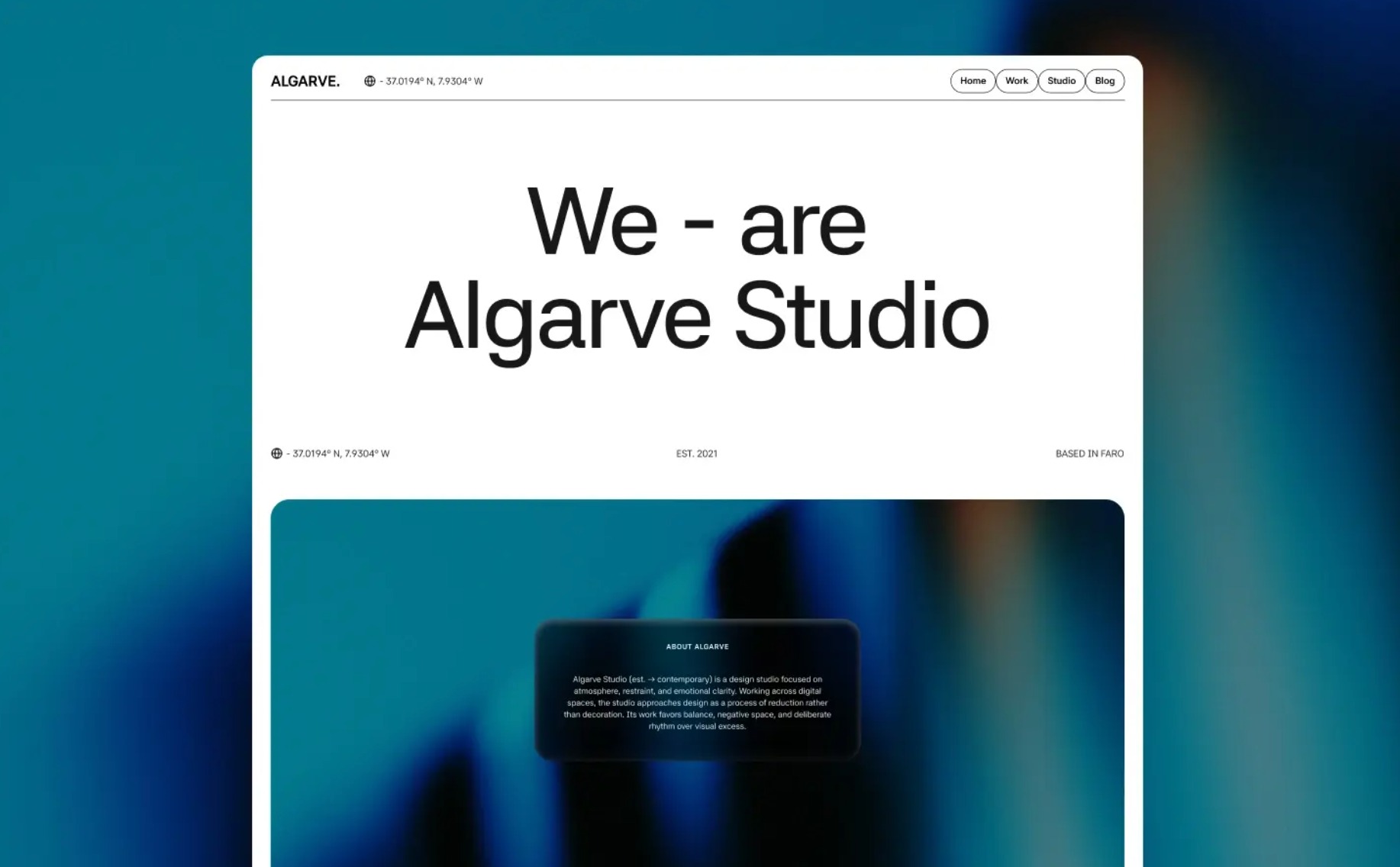
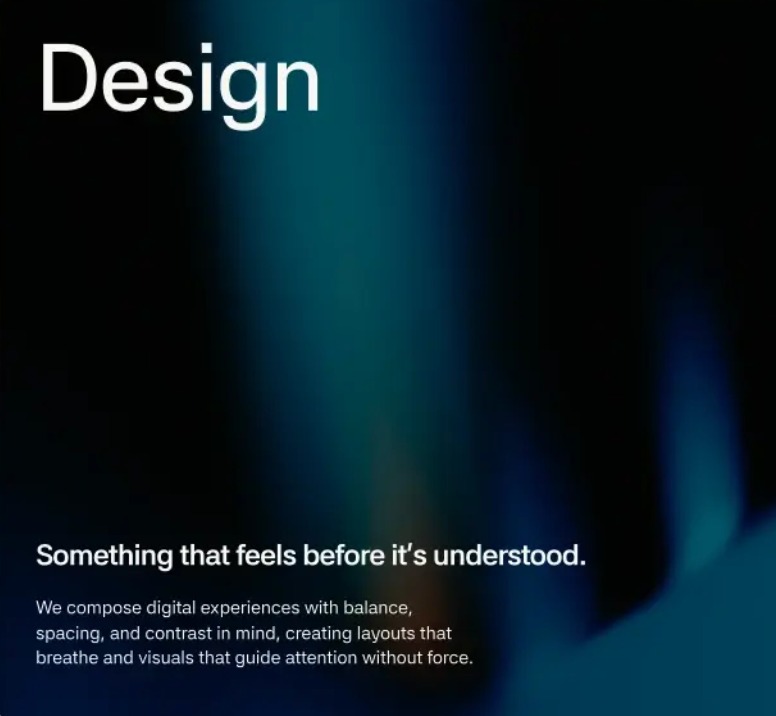 조회수 2
조회수 2Crisp white panels dissolving into teal-to-black atmosphere.
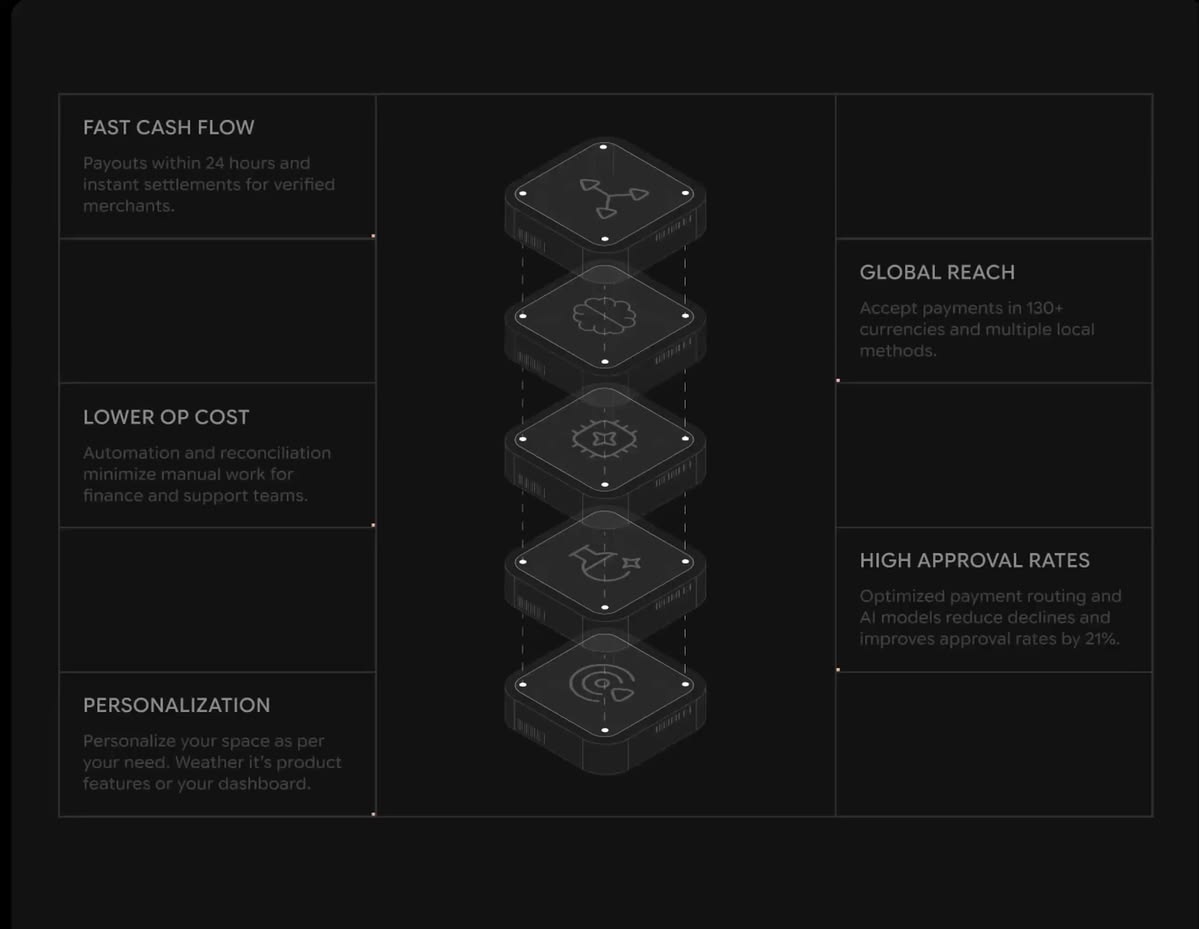
Hairline grids and isometric modules on a dark canvas.
 조회수 3
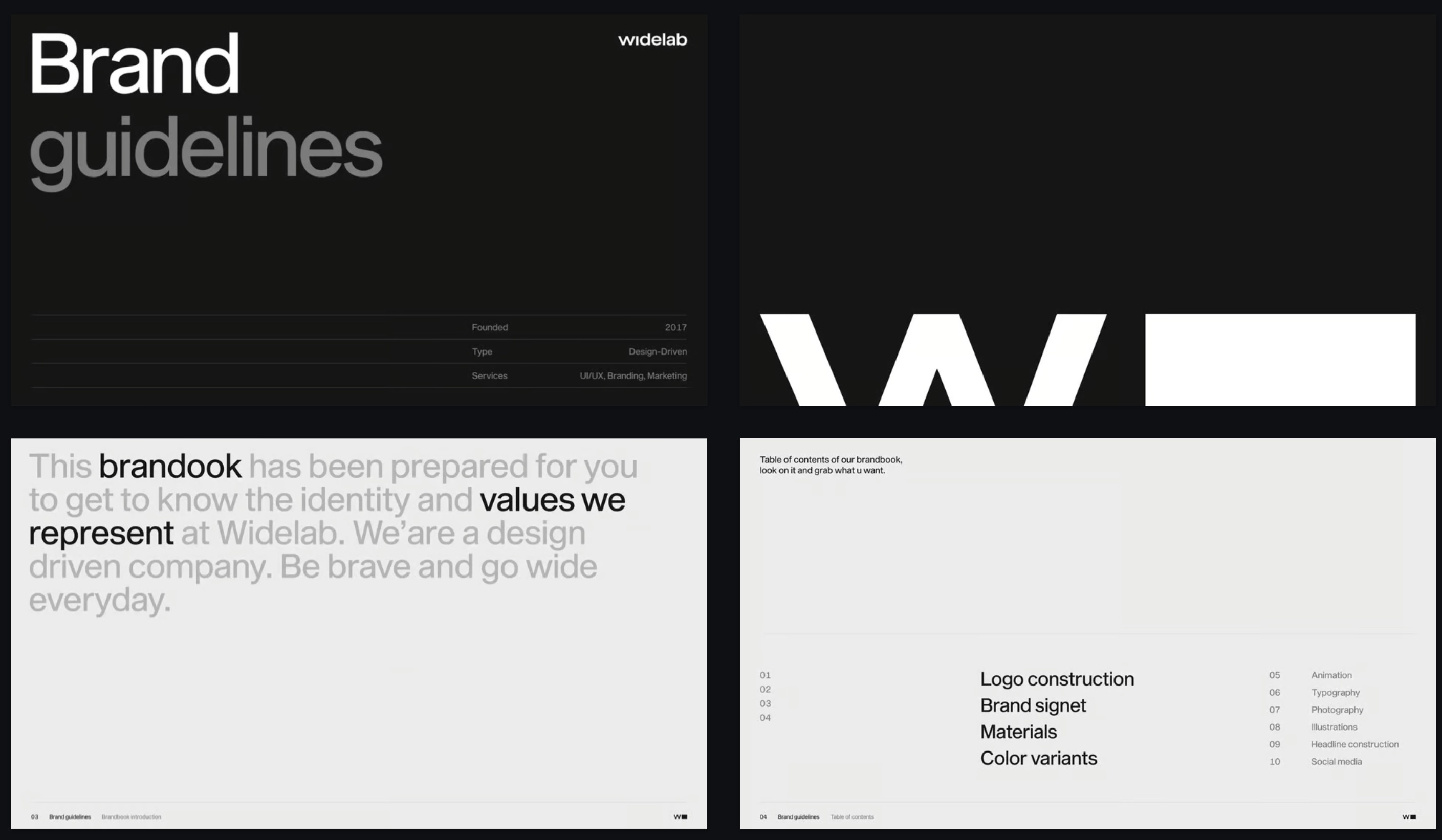
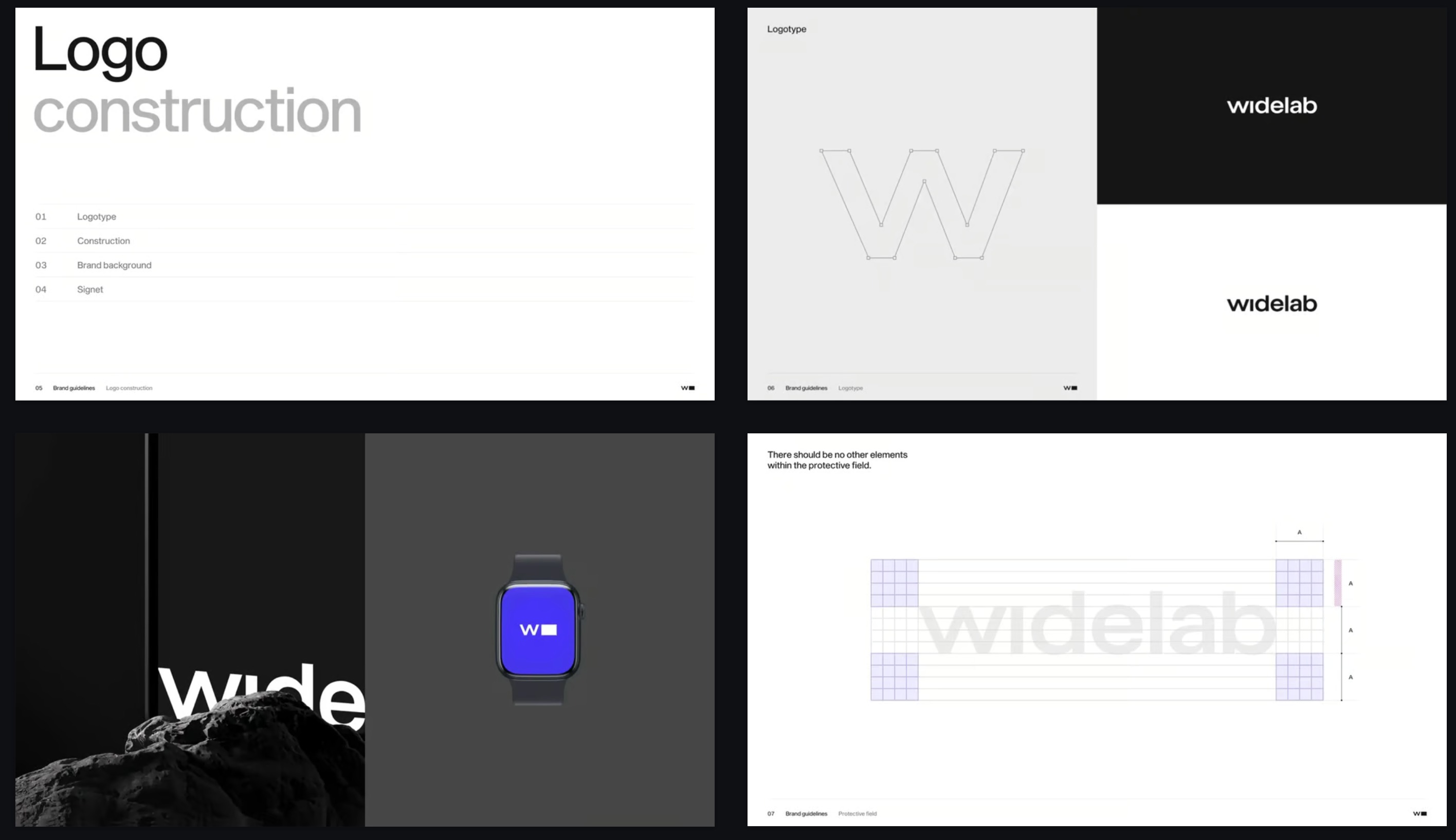
조회수 3Swiss grid, oversized grotesque, disciplined black and white.
각 템플릿은 타이포그래피, 색상, 레이아웃, 이미지까지 갖춘 완성된 디자인 방향입니다. 피치덱, 영업 자료, 브랜드 스토리에 맞는 템플릿을 고르거나 마케팅 프레젠테이션 템플릿으로 시작하면, Skyline이 그 스타일로 프레젠테이션 전체를 만들어 드립니다. 완성되면 PowerPoint용 PPTX 파일로 다운로드하거나 Google Slides에서 열 수 있습니다.
네. 템플릿으로 만든 모든 프레젠테이션은 PPTX 파일로 내보내 PowerPoint에서 열 수 있으며, 텍스트도 그대로 편집할 수 있습니다.
네. 프레젠테이션을 PPTX로 내보낸 뒤 Google Slides로 가져오거나, Skyline 부가기능을 사용해 Google Slides 안에서 바로 슬라이드를 만들 수 있습니다.
일반 템플릿은 직접 채워야 하는 빈 레이아웃을 제공합니다. Skyline에서는 디자인 방향을 고르고 주제를 설명하기만 하면, Skyline이 내용을 작성하고 그 스타일로 모든 슬라이드를 디자인합니다. 그래서 각 슬라이드가 전달해야 할 내용에 꼭 맞습니다.
투자자용이나 영업용 자료라면 세일즈 또는 테크 & SaaS 스타일로 시작해 보세요. 브랜드 스토리, 라이프스타일, 호스피탈리티에는 에디토리얼이나 시네마틱 & 럭셔리를 추천합니다. 엔터프라이즈 스타일은 이사회 보고와 사내 보고서에 잘 어울립니다.
무료로 시작해 어떤 템플릿으로든 첫 프레젠테이션을 만들 수 있습니다. 유료 요금제에서는 더 많은 AI 크레딧과 고급 기능을 이용할 수 있습니다.