
プレビュー
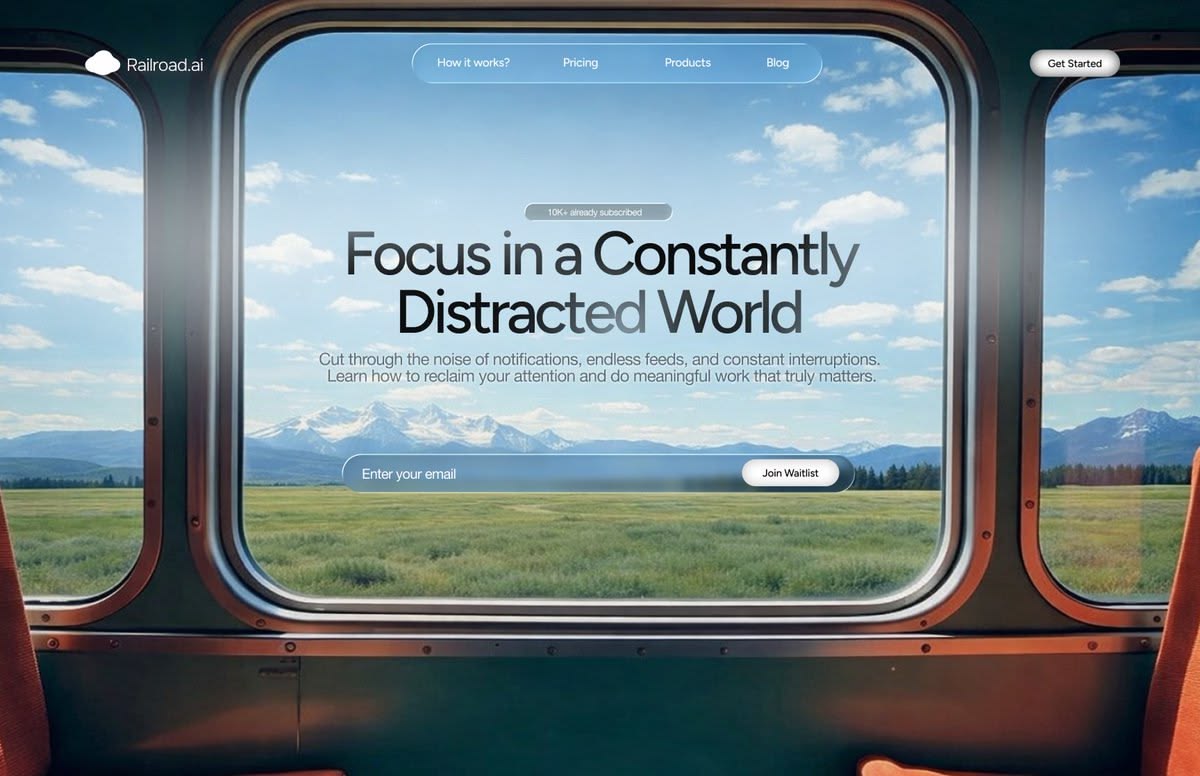
Window Vista
A real window as the viewport onto sweeping landscapes.
CinematicLandscapeGlassmorphism
デザインの方向性を選び、内容を説明するだけで、Skylineが選んだビジュアルスタイルですべてのスライドをデザインします。PowerPointやGoogle スライドに書き出せます。
A real window as the viewport onto sweeping landscapes.
 2 回表示
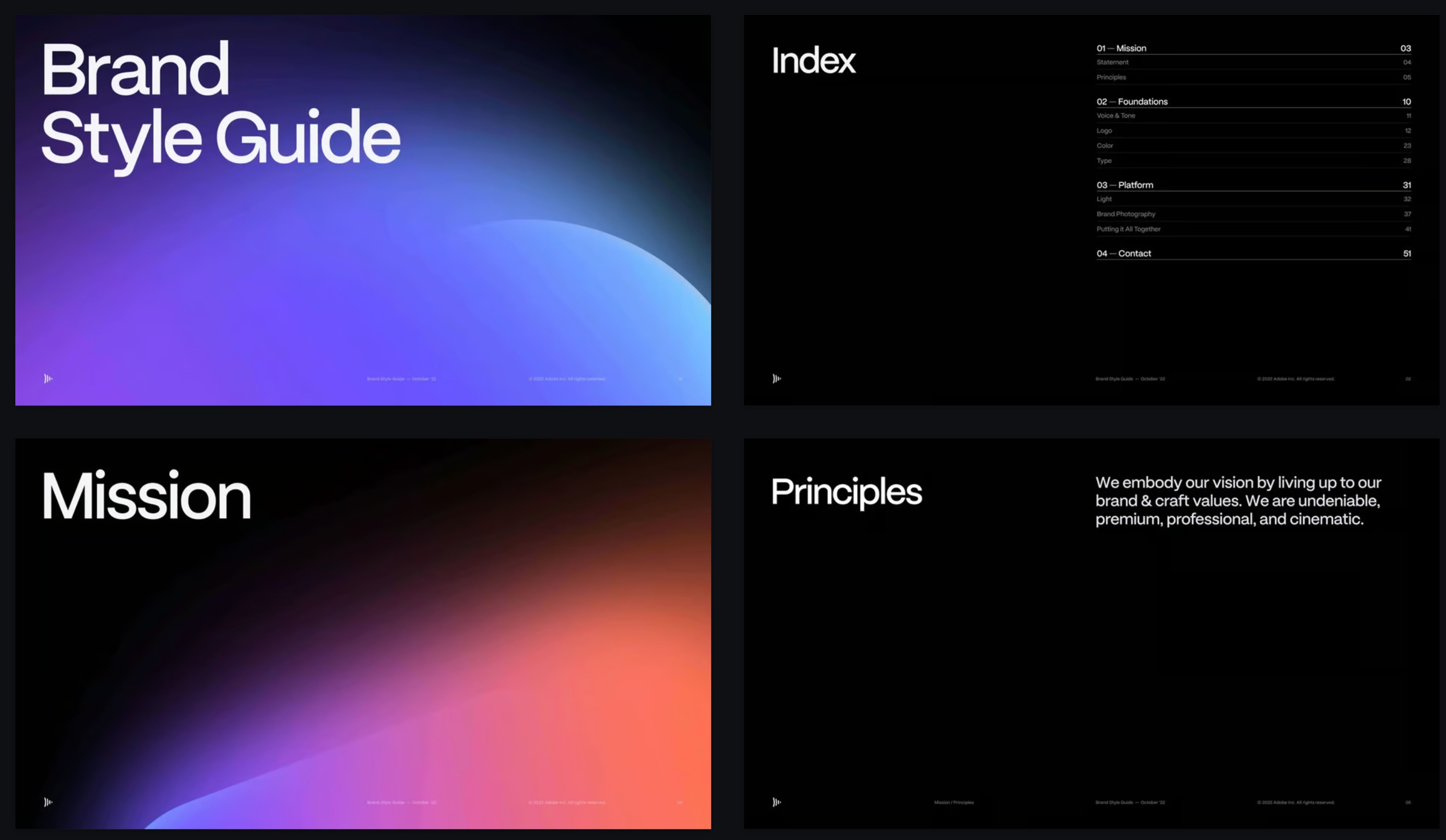
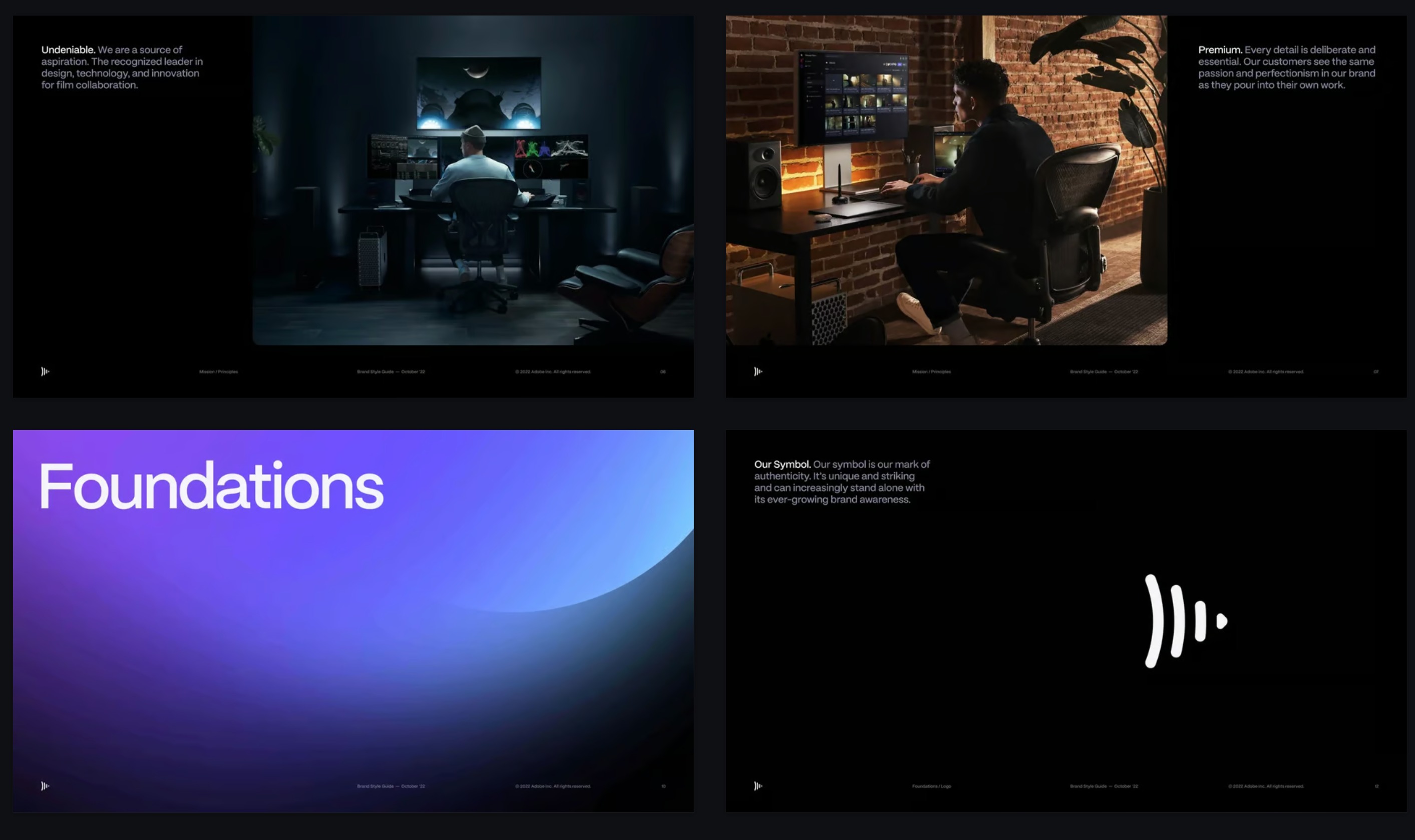
2 回表示Deep black canvases, luminous gradient orbs, cinematic type.
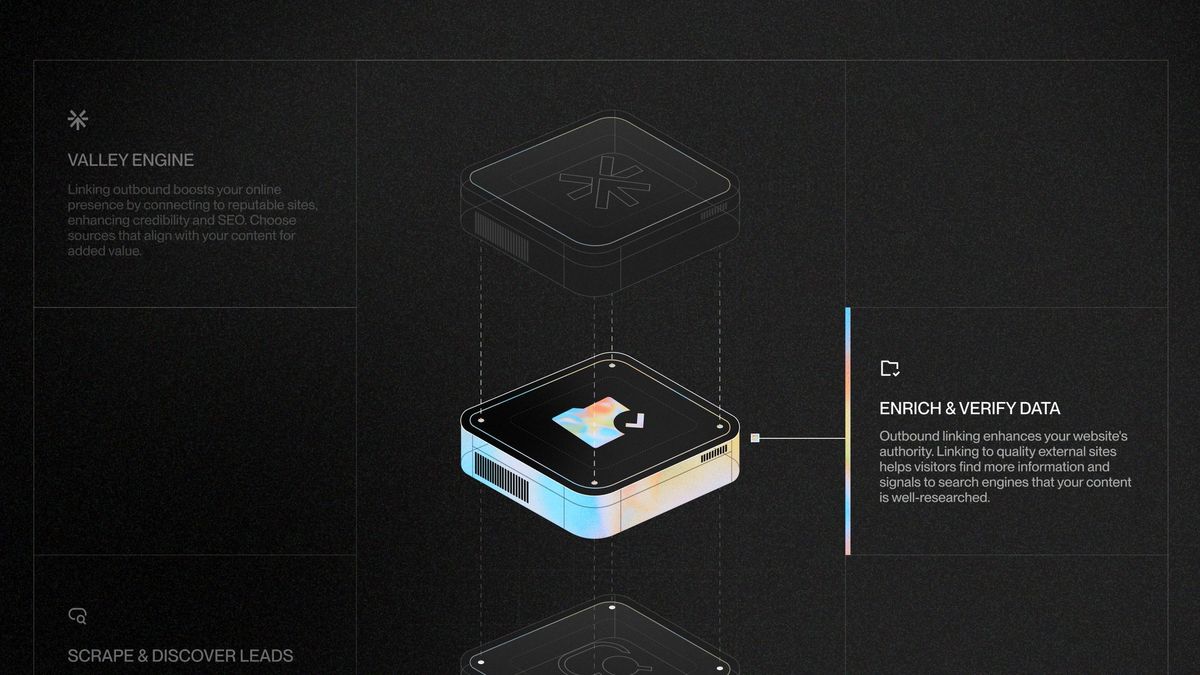
Exploded isometric renders with iridescent chrome.
 3 回表示
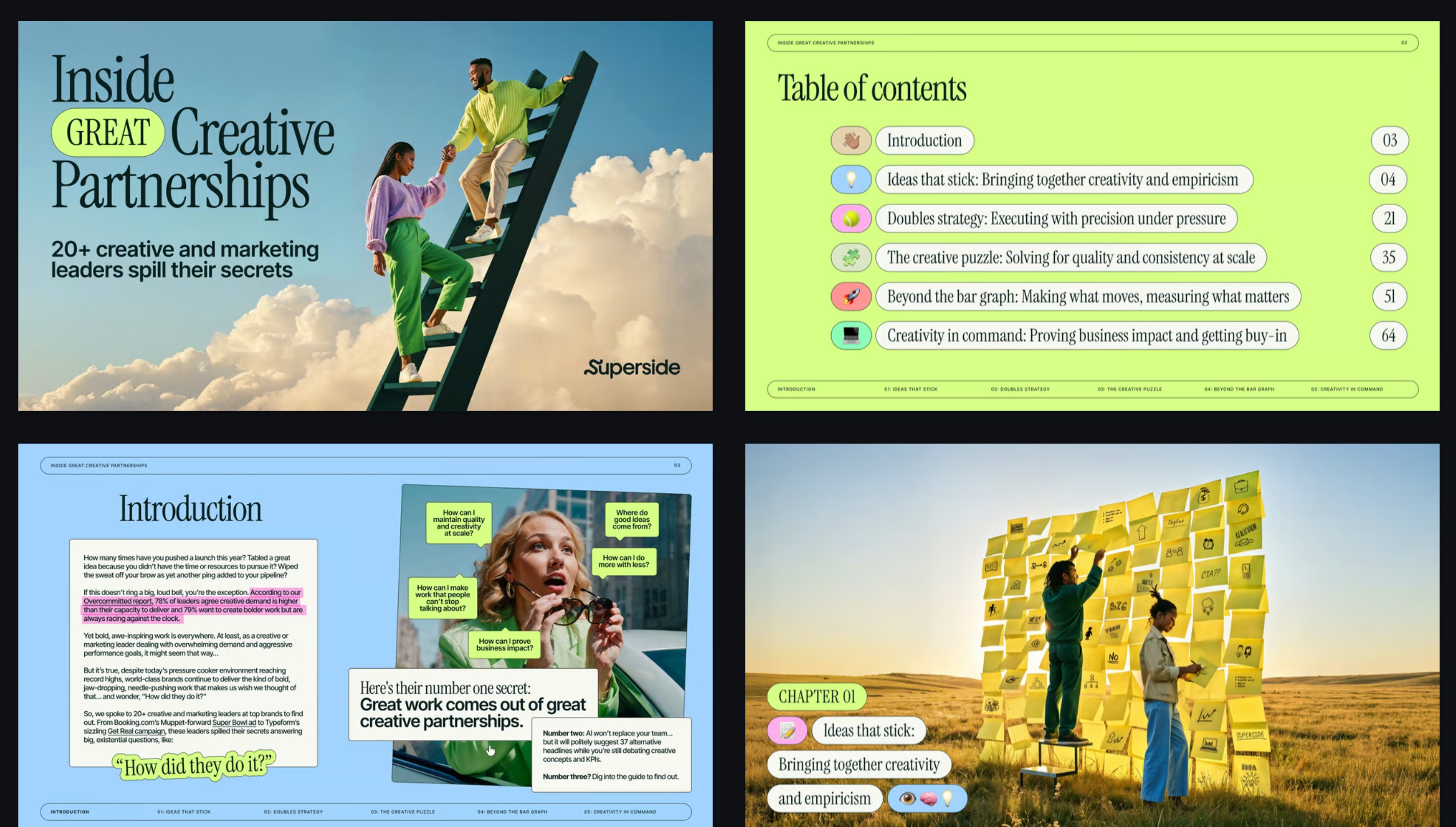
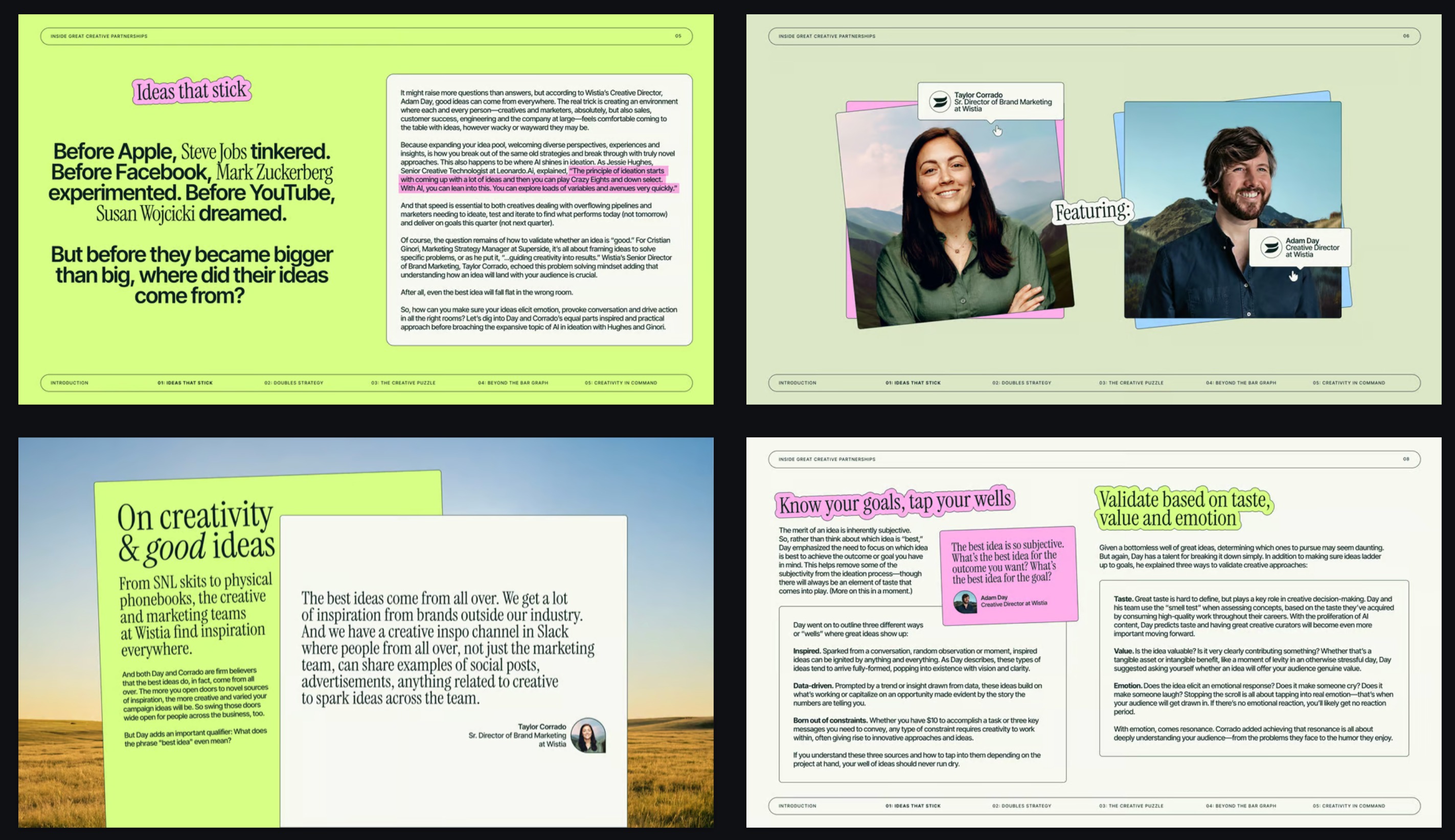
3 回表示Magazine layouts, surreal photography and highlighter accents.
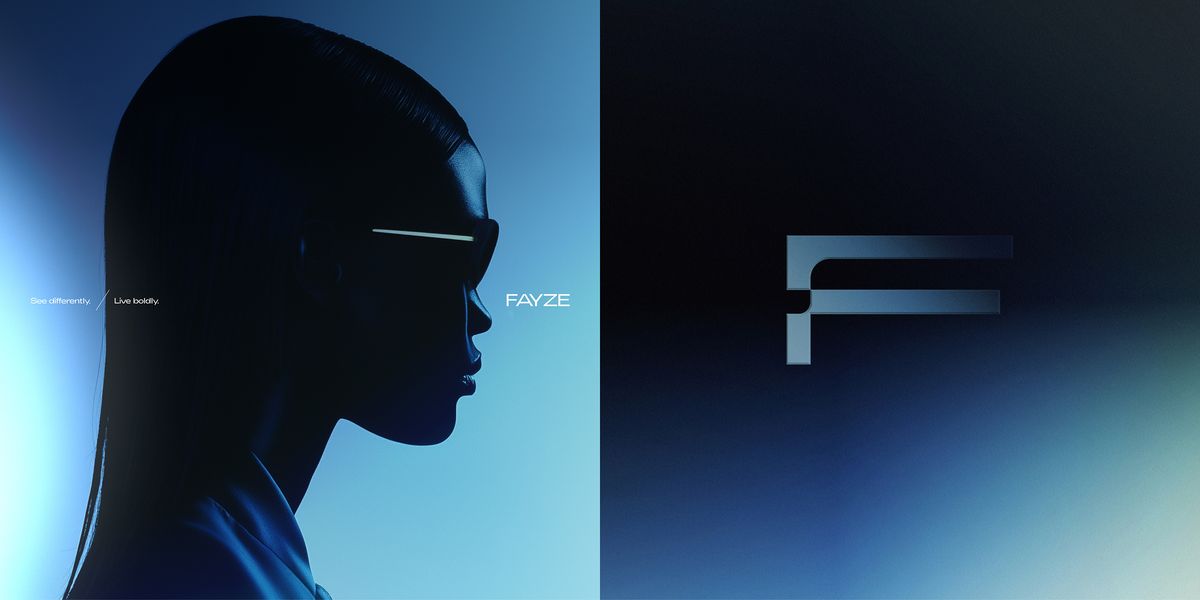
Duotone blue gradients, chrome monogram, fashion-campaign light.
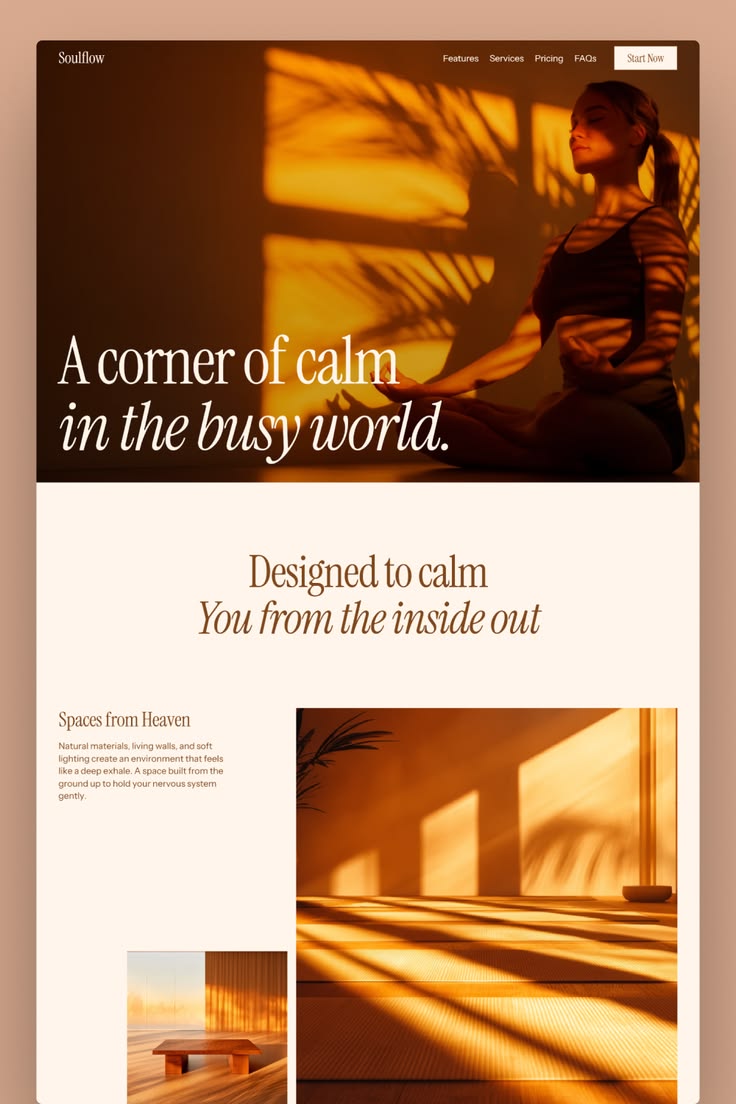
Warm amber light and italic serifs on soft cream.
 3 回表示
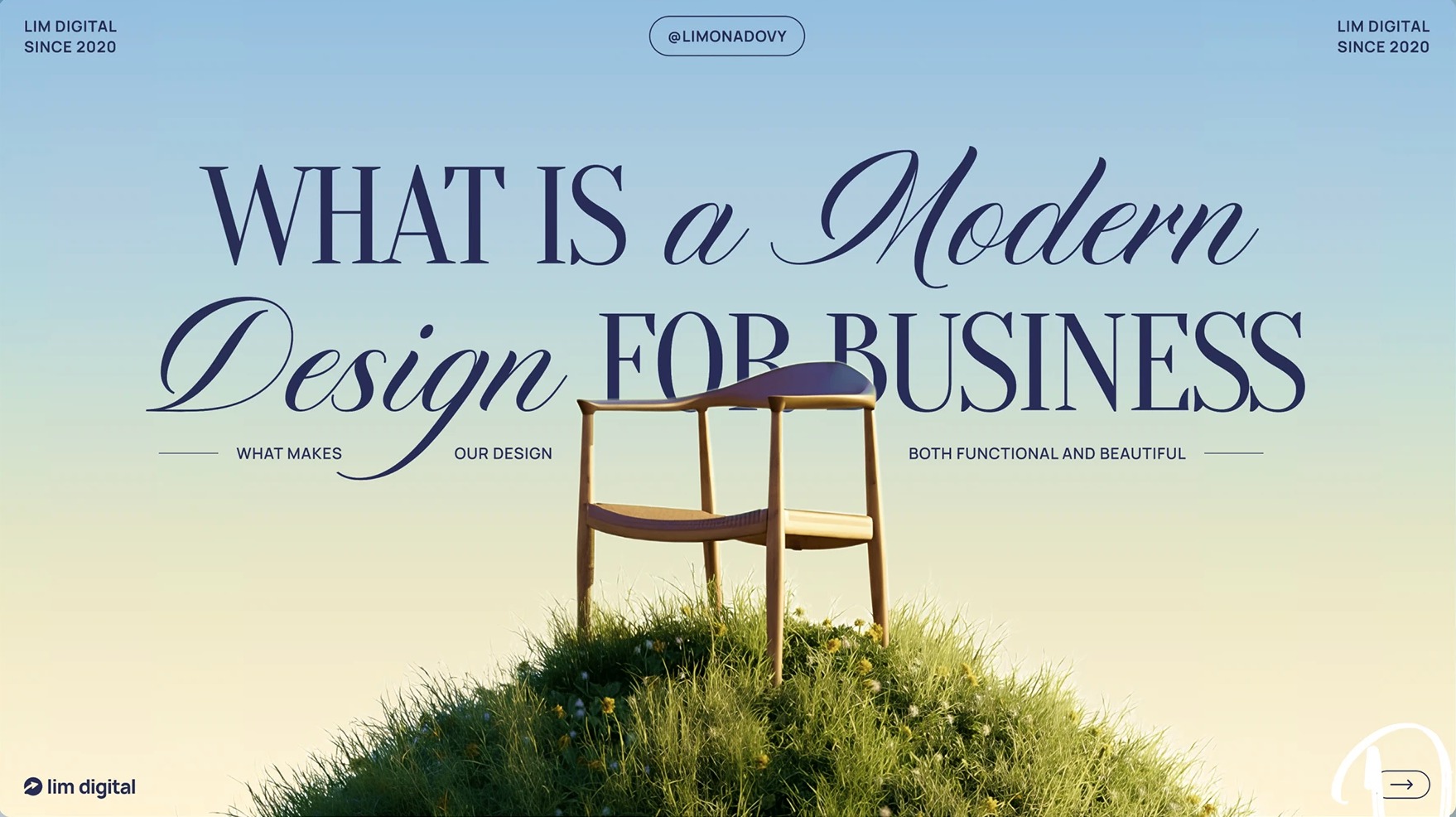
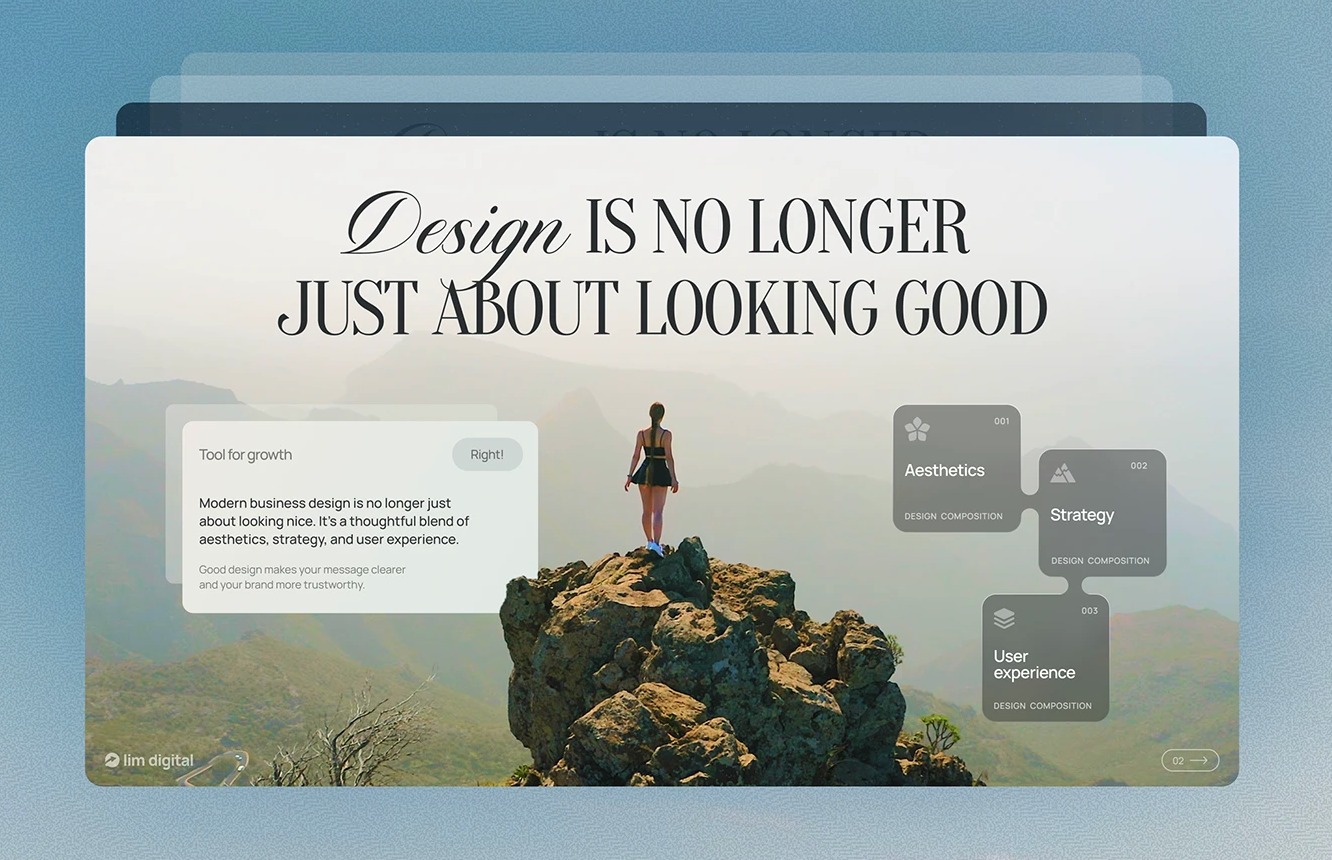
3 回表示High-contrast serifs and italic script over lush landscapes.
 2 回表示
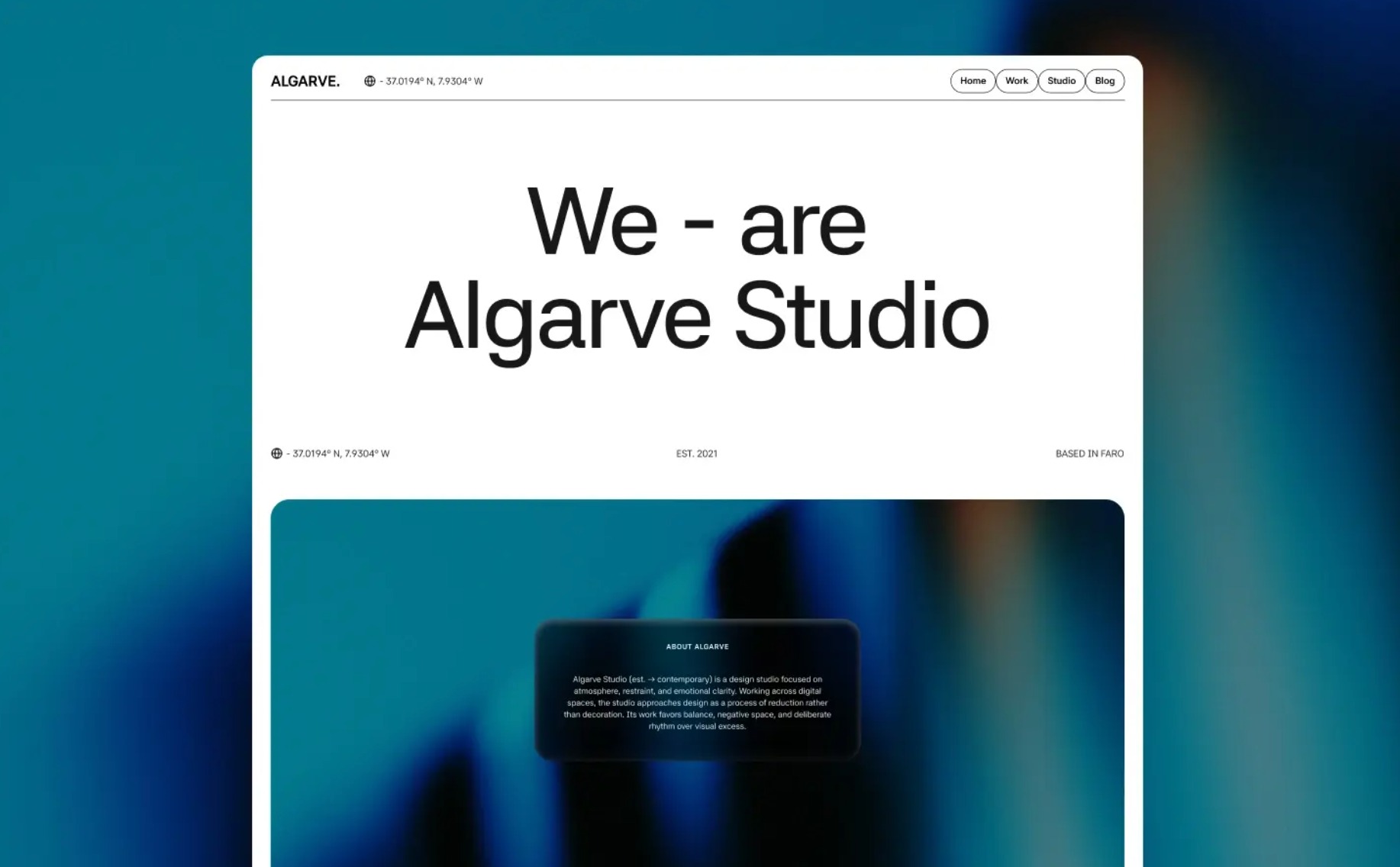
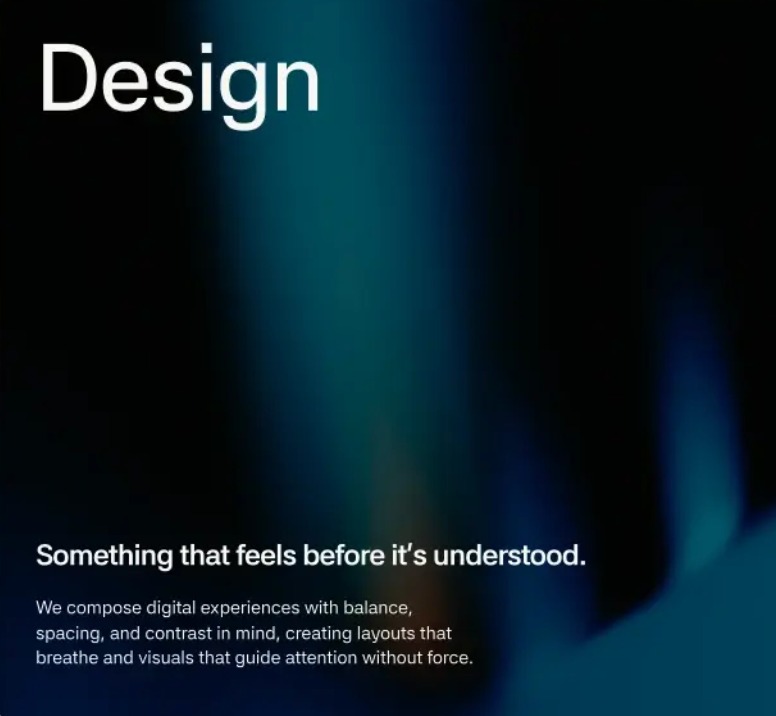
2 回表示Crisp white panels dissolving into teal-to-black atmosphere.
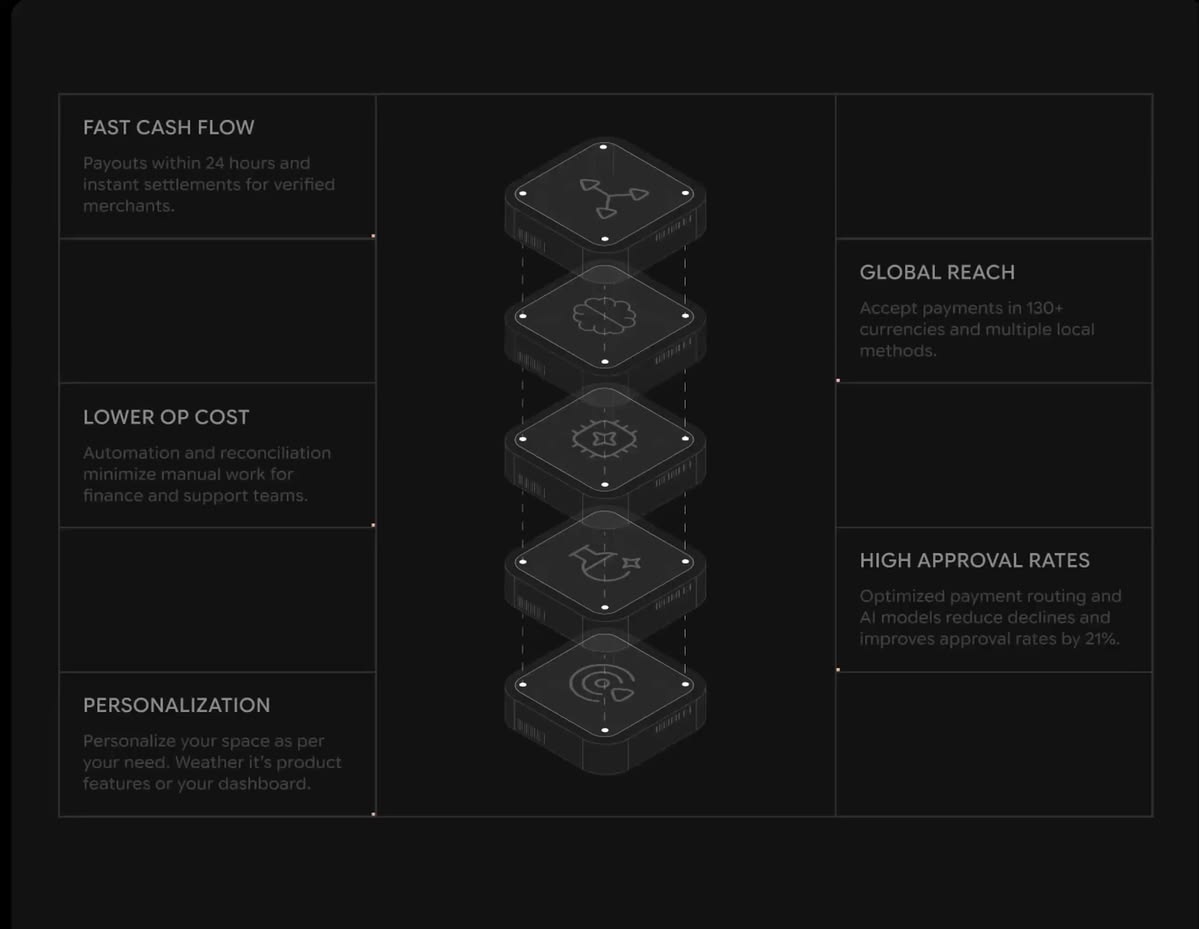
Hairline grids and isometric modules on a dark canvas.
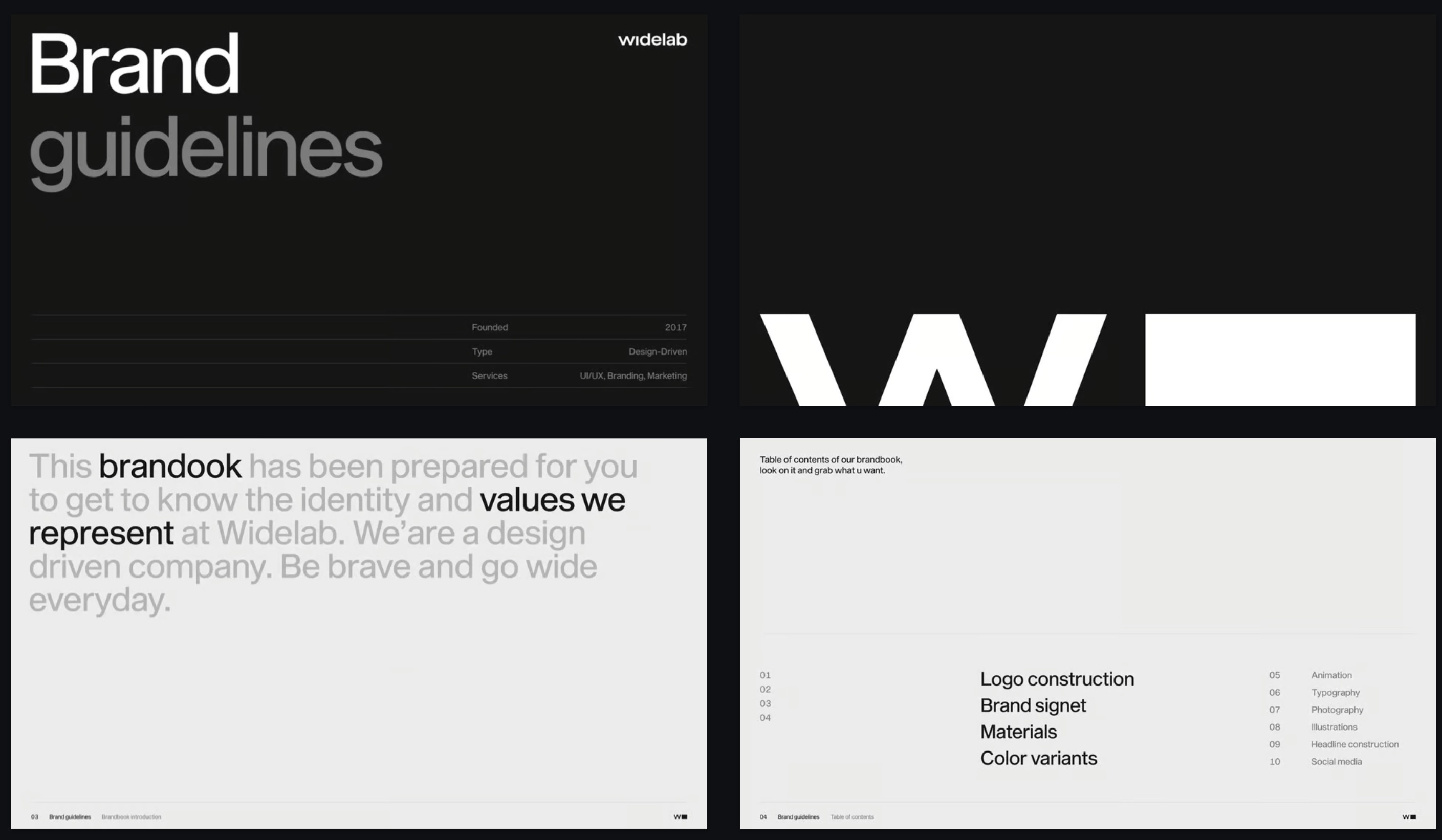
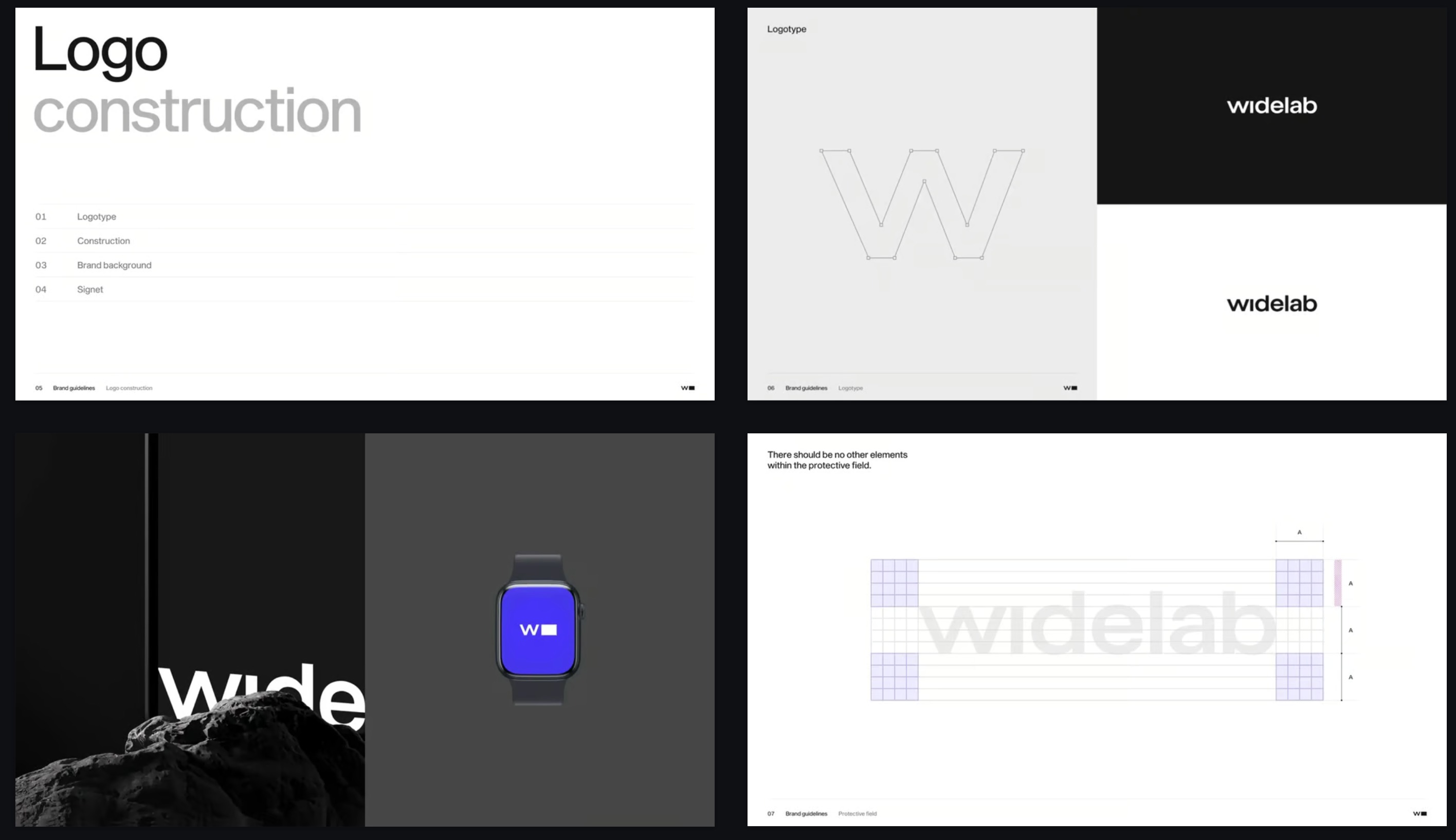 3 回表示
3 回表示Swiss grid, oversized grotesque, disciplined black and white.
各テンプレートは、タイポグラフィ、配色、レイアウト、画像まで含めた完成されたデザインの方向性です。ピッチ資料、営業資料、ブランドストーリーに合うものを選ぶか、マーケティング用プレゼンテーションテンプレートから始めれば、Skylineがそのスタイルでプレゼンテーション全体を作成します。完成したら、PowerPoint用のPPTXファイルとしてダウンロードするか、Google スライドで開けます。
はい。テンプレートから作成したプレゼンテーションはすべてPPTXファイルとして書き出せ、テキストを編集できる状態のままPowerPointで開けます。
はい。プレゼンテーションをPPTXで書き出してGoogle スライドにインポートするか、Skylineアドオンを使ってGoogle スライド内で直接スライドを作成できます。
一般的なテンプレートは、空のレイアウトに自分で内容を埋めていくものです。Skylineでは、デザインの方向性を選んでテーマを説明するだけで、Skylineが内容を書き、そのスタイルですべてのスライドをデザインします。そのため、どのスライドも伝えたい内容にぴったり合います。
投資家向けや営業向けの資料なら、営業またはテック&SaaSのスタイルから始めましょう。ブランドストーリー、ライフスタイル、ホスピタリティには、エディトリアルやシネマティック&ラグジュアリーがおすすめです。エンタープライズのスタイルは、取締役会への報告や社内レポートに適しています。
無料で始めて、どのテンプレートからでも最初のプレゼンテーションを作成できます。有料プランでは、AIクレジットの追加や高度な機能をご利用いただけます。