
Marketing Presentation Template
A bold, magazine-style marketing deck with lime highlights, surreal photography and editorial type. Describe your plan or campaign and Skyline writes and designs every slide. Export to PowerPoint or Google Slides.
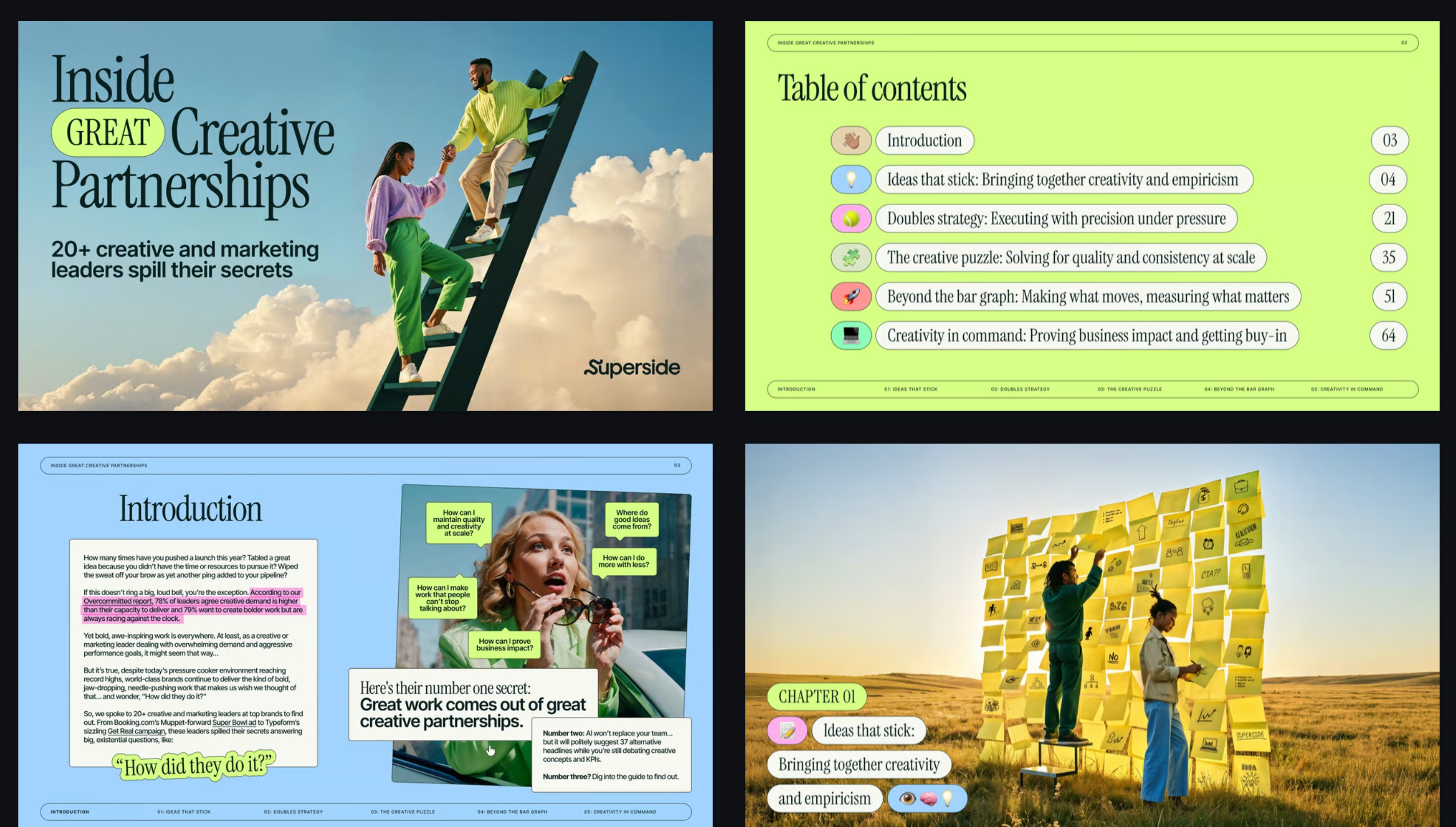
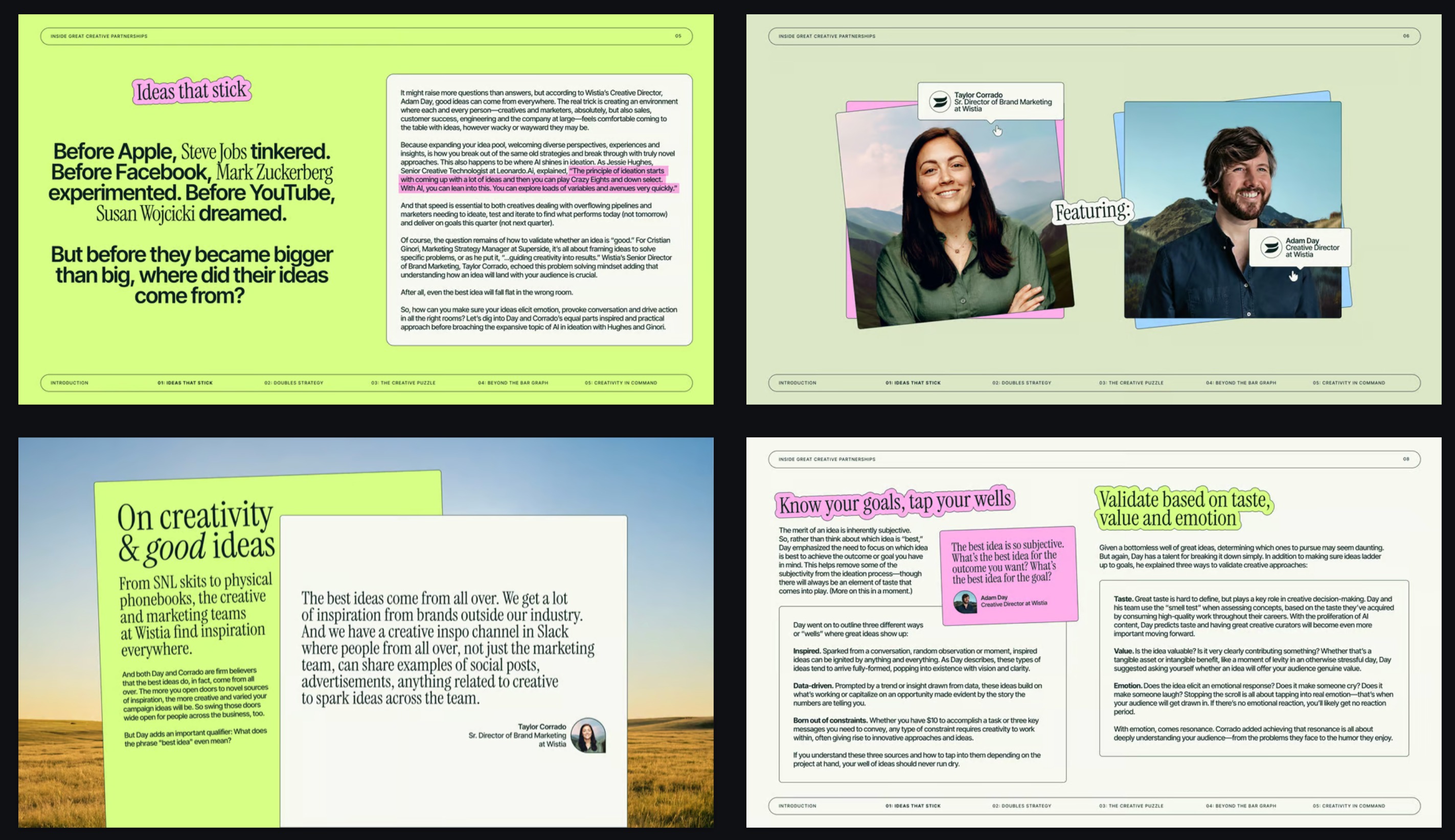
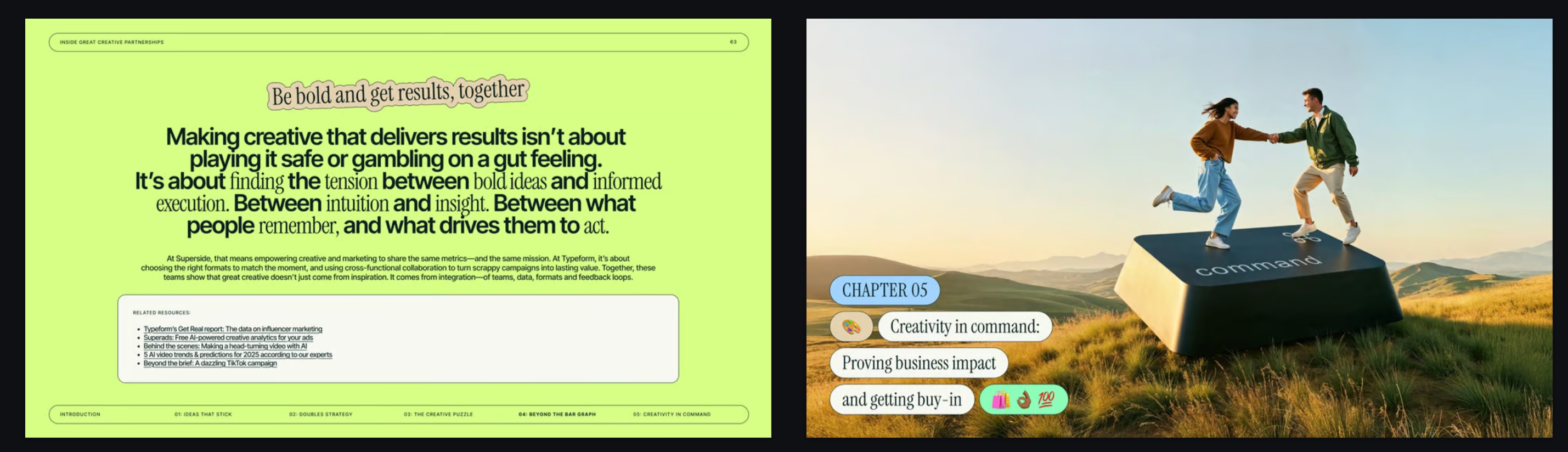
What's inside this marketing deck
Every slide type you need to tell a marketing story, all in one consistent visual language.
Cover
A big editorial headline over surreal photography, so the deck makes an impression before you say a word.
Table of contents
Rounded chapter tags with small sticker icons. Your audience knows where the story is going.
Chapter openers
Full-bleed photography with tag labels that mark each new section of your marketing plan.
Editorial spreads
Long-form insights set like a magazine, with lime and pink highlighter marks on the lines that matter.
Quotes and profiles
Expert voices, customer quotes and team intros framed with speech-bubble name tags.
Takeaways and resources
A confident closing statement plus a card for links, next steps or further reading.
Made for marketing teams
Use it when the deck has to earn attention: in a room full of stakeholders, on a client call, or as a playbook your team actually reads.
- Marketing plans and strategy
- Campaign proposals and recaps
- Brand strategy and positioning
- Content and social playbooks
- Thought leadership reports
- Agency pitches and creative briefs
From brief to finished deck in minutes
- 1
Describe your deck
Type what the presentation is about, or paste a brief, campaign notes or a PDF.
- 2
Skyline designs it
The AI writes the content and lays out every slide in this marketing template's style.
- 3
Edit and export
Refine anything with the AI agent, present from the browser, or export to PowerPoint or Google Slides.
Marketing presentation template FAQ
Looking for a different style? Browse all creative presentation templates for sales, tech and enterprise decks.
Is this marketing presentation template free?
You can start for free and create your first marketing deck with this template. Paid plans add more AI credits and advanced features.
Can I use the marketing template in PowerPoint or Google Slides?
Yes. Export the finished deck as a PPTX file to open and edit it in PowerPoint, or import that file into Google Slides.
Can I change the colors, fonts and images?
Yes. Ask the AI agent to swap the lime accent for your brand color, change fonts or replace photos, or edit any element by hand.
How many slides does the marketing deck have?
You pick the slide count before generating. Ten slides is the default, which suits most marketing plans and campaign reviews.
What kind of marketing presentations fit this template best?
It shines when you want to stand out: marketing playbooks, campaign stories, brand strategy and thought leadership. For a formal board update, a quieter enterprise template may suit better.